Product Tour Platforms For Interactive Walkthroughs
Imagine opening a new app and actually knowing what to do right away. No confusion. No endless clicks. No guessing games. That’s the magic of product tour platforms for interactive walkthroughs. They guide users step by step. They turn complexity into clarity. And they help businesses keep users happy from day one.
TLDR: Product tour platforms help businesses guide users through software using interactive, step-by-step walkthroughs. They boost user engagement, reduce confusion, and improve onboarding. These tools are easy to build with and do not always require coding skills. A good product tour can increase conversions, retention, and customer satisfaction in a big way.
Let’s break it all down in a fun and simple way.
What Is a Product Tour Platform?
Table of Contents
A product tour platform is a tool that helps you create interactive guides inside your app or website. These guides show users what to do. They highlight buttons. They explain features. They point users in the right direction.
Think of it like a friendly digital tour guide. It pops up at the right time. It gives short instructions. Then it disappears once the job is done.
Instead of sending users to a long help article, you show them exactly what to do. Right there. Inside the product.
Why Interactive Walkthroughs Matter
People do not like to feel lost. Especially when using new software.
If users feel confused, they may:
- Leave your site
- Cancel their subscription
- Ignore key features
- Contact support again and again
That costs time and money.
An interactive walkthrough solves this problem. It creates a smooth first impression. And first impressions matter.
When users understand your product quickly, they are more likely to stay.
How Product Tour Platforms Work
Most platforms follow a simple process:
- You install a small code snippet in your app.
- You use a visual editor to design your tour.
- You choose triggers and rules.
- You publish.
That’s it.
Many modern tools are “no-code” or “low-code.” That means product managers, marketers, or customer success teams can build tours without developers.
You can create:
- Tooltips – Small popups with quick explanations
- Modals – Larger windows for big announcements
- Slideouts – Messages that slide in gently
- Checklists – To guide users through setup steps
- Hotspots – Small blinking indicators to draw attention
Each element works together to create a smooth journey.
Key Benefits of Using a Product Tour Platform
1. Better Onboarding
Onboarding is the first experience new users have with your product. If it is boring or confusing, users leave.
A walkthrough makes onboarding interactive. Users learn by doing. Not by reading a manual.
2. Higher User Engagement
When users discover features step by step, they explore more. They click more. They try more tools.
Engagement grows naturally.
3. Improved Retention
Retention is about keeping users long term. If users understand the value of your product early, they are more likely to stay.
Product tours highlight that value quickly.
4. Fewer Support Tickets
If users can answer their own questions inside the app, they do not need to email support.
This saves your team hours of work.
5. Faster Feature Adoption
Launched a new feature? Do not rely on a blog post.
Show users inside the product. Guide them through it. Let them test it instantly.
Common Use Cases
Product tour platforms can be used in many ways.
New User Onboarding
Guide first-time users through setup.
New Feature Launches
Introduce updates without forcing users to search for them.
Upselling Premium Features
Show advanced tools at the right moment. This increases upgrades.
Process Guidance
Help users complete complex tasks step by step.
Training and Education
Great for internal tools. Train employees directly inside software.
Important Features to Look For
Not all product tour platforms are the same. Some are simple. Some are powerful. Here is what to look for:
- No-code builder – Easy creation without developers
- Targeting options – Show tours to specific users
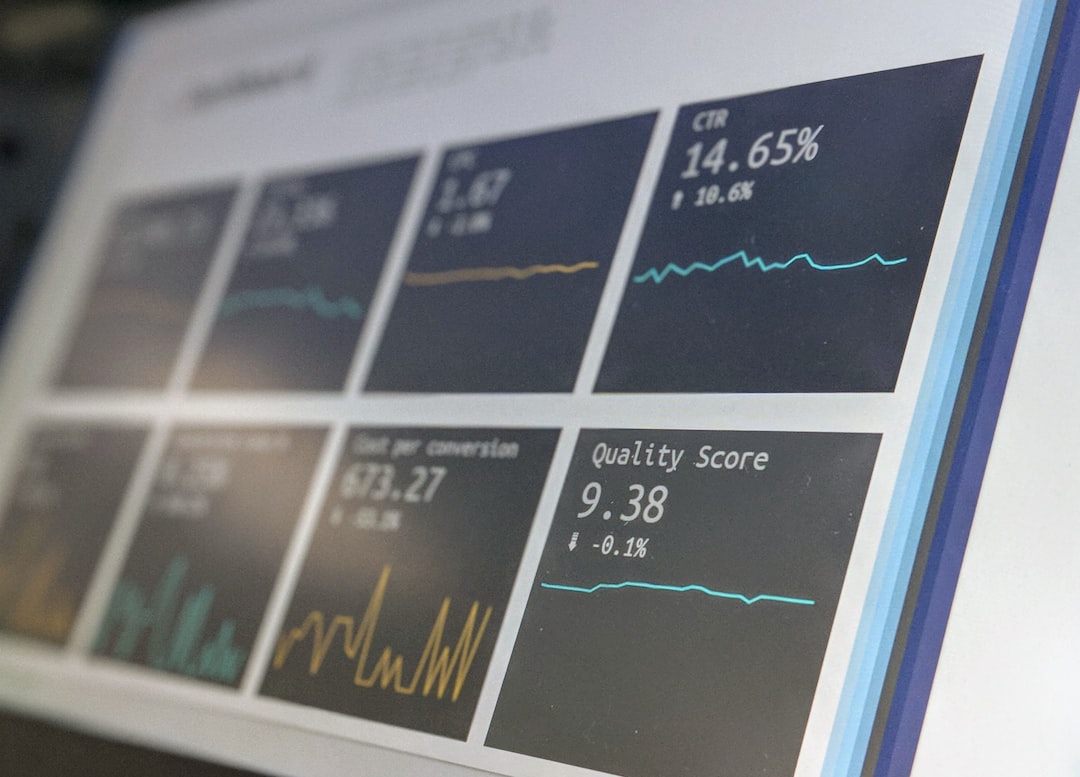
- Analytics – Track completion and engagement rates
- A/B testing – Test different versions of tours
- Customization – Match your brand style
- Multi-language support – Important for global users
Data matters. Analytics helps you see where users drop off. Then you can improve the experience.
Best Practices for Creating Great Walkthroughs
Just because you can create a tour does not mean you should create a long one.
Here are smart tips:
Keep It Short
Short tours perform better. Focus on key actions only.
Be Clear and Simple
Use small sentences. Avoid technical language.
Make It Interactive
Let users click. Let them try actions. Do not just show instructions.
Trigger at the Right Time
Timing is everything. Do not interrupt users in the middle of important tasks.
Offer Skipping Options
Some users like to explore alone. Let them skip the tour.
Measure and Improve
Check analytics. Improve weak steps. Remove unnecessary parts.
Interactive vs. Traditional Help Content
Let’s compare.
Traditional Help Content:
- Long articles
- External links
- Manual reading required
Interactive Walkthroughs:
- In-app guidance
- Step-by-step actions
- Learning by doing
People learn better when they interact. It feels natural. It feels faster.
Who Uses Product Tour Platforms?
You might think only tech startups use these tools. Not true.
They are popular across many industries:
- SaaS companies
- E-commerce platforms
- Financial services
- Healthcare software
- Education technology
- Internal enterprise tools
If software has users, it can benefit from a product tour.
The ROI of Interactive Walkthroughs
Return on investment matters.
Here’s how product tours deliver value:
- Increase trial-to-paid conversions
- Reduce churn rate
- Lower customer support costs
- Improve customer satisfaction scores
Even a small boost in retention can mean huge revenue growth over time.
Happy users stay longer. Staying longer means more revenue.
Challenges to Watch Out For
No tool is perfect.
Here are some common mistakes:
- Creating tours that are too long
- Showing too many popups
- Interrupting experienced users
- Ignoring analytics data
User fatigue is real. Too many messages feel annoying.
Balance is key.
The Future of Product Tour Platforms
The future looks exciting.
We are seeing:
- AI-powered personalization
- Smarter user segmentation
- Behavior-based triggers
- Voice and video integration
Soon, tours will adapt automatically. They will change based on user behavior. Each user will see a slightly different experience.
More personal. More helpful. Less annoying.
Final Thoughts
Product tour platforms are not just “nice to have.” They are powerful growth tools.
They simplify complexity. They improve user confidence. They increase engagement and retention.
And they do something very important.
They make users feel smart.
When people feel smart using your product, they trust it. When they trust it, they stay.
If you want smoother onboarding, happier customers, and better results, interactive walkthroughs are a smart move.
Because sometimes, all users need is a little guidance.
And a great product tour delivers exactly that.