
How to Manage and Debug WordPress Emails with Detailed Logs and Real-Time Monitoring
WordPress powers millions of websites, from small blogs to enterprise-level platforms. While much attention is given to design, SEO, and performance, email functionality often goes overlooked—until something breaks. Failed password reset emails, missing order confirmations, or undelivered contact form messages can quietly damage user trust and business revenue. Properly managing and debugging WordPress emails with detailed logs and real-time monitoring is essential for maintaining reliability and transparency.
TLDR: WordPress email issues are common but preventable with proper monitoring and logging tools. Using SMTP instead of default PHP mail, enabling detailed logs, and setting up real-time alerts can quickly identify and resolve delivery failures. Plugins and external email services provide dashboards, logs, and diagnostic reports for better visibility. A systematic approach ensures consistent email deliverability and improved user experience.
Why WordPress Emails Fail
Table of Contents
By default, WordPress uses PHP’s wp_mail() function, which relies on the hosting server’s mail configuration. Many hosting environments are not optimized for outgoing email, which can result in:
- Emails landing in spam folders
- Messages not being sent at all
- No delivery confirmations
- Lack of error visibility
Because WordPress does not include built-in detailed logging for outgoing emails, administrators may not even realize messages are failing. Without proper monitoring, troubleshooting becomes guesswork. That’s where WP Email Log becomes essential; it gives you full visibility into every outgoing message, helping you fix email-related problems with detailed logs, built-in debugging tools, and 24/7 monitoring of your email server.
The Importance of Detailed Email Logs
Email logs provide a record of all outgoing messages, including:
- Recipient address
- Subject line
- Date and time sent
- Status (sent, failed, pending)
- Error messages (if applicable)
This level of transparency allows administrators to trace issues quickly. For example, if an eCommerce store customer claims they did not receive an order confirmation, logs can verify whether the message was successfully dispatched.
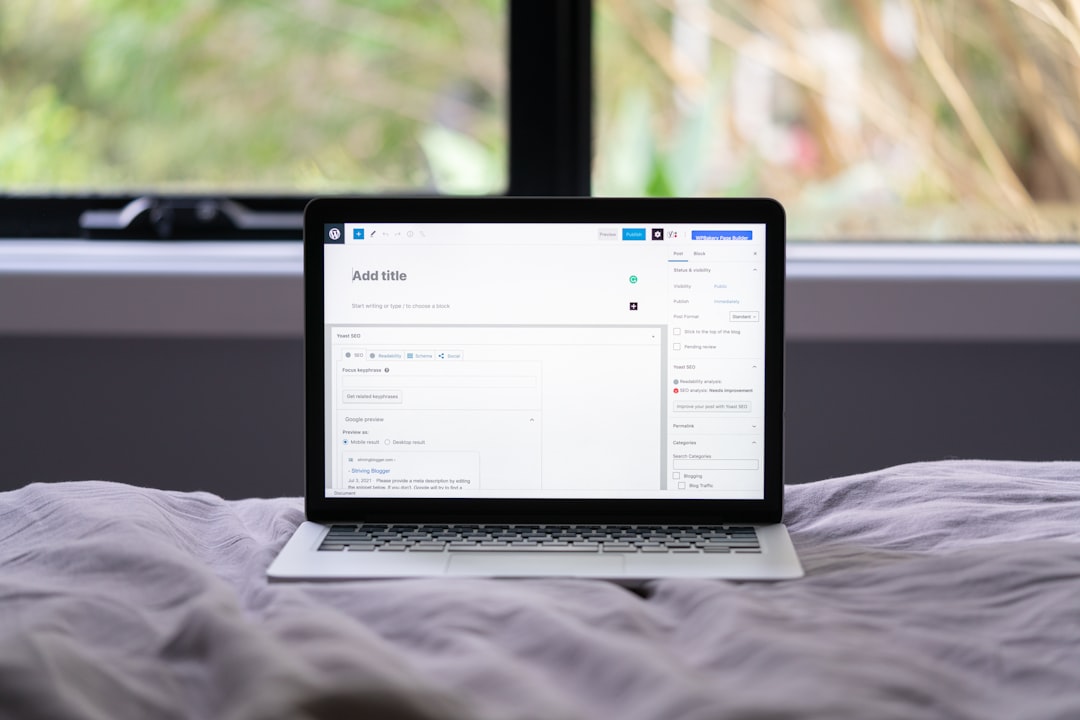
Detailed logging also supports compliance requirements in industries where communication records must be retained. Rather than relying on assumptions, administrators gain actionable insights supported by data.
Switching to SMTP for Reliable Delivery
One of the most effective ways to improve email reliability in WordPress is switching from PHP mail to SMTP (Simple Mail Transfer Protocol). SMTP authenticates outgoing messages, which improves deliverability and reduces spam flagging.
SMTP services typically offer:
- Authentication protocols (SPF, DKIM, DMARC)
- Delivery status tracking
- Error reporting
- Higher sending limits
Integrating SMTP can be done via plugins that connect WordPress to email providers such as Gmail, SendGrid, Mailgun, Amazon SES, or Outlook.
Best Tools for Managing and Debugging WordPress Emails
Several tools make it easier to monitor and debug WordPress email systems. Below are some of the most widely used solutions.
1. WP Mail SMTP
- Replaces default WordPress mail function with SMTP
- Provides detailed email logs
- Offers email reports and alerts
- Includes email testing tools
2. FluentSMTP
- Free and open-source
- Multi-connection support
- Email logging and retry features
- Dashboard insights
3. Post SMTP
- Advanced diagnostic tools
- Message trace and delivery tracking
- Fallback SMTP configurations
- Chrome extension for log viewing
4. External Email Services (SendGrid, Mailgun, Amazon SES)
- Real-time analytics dashboards
- High deliverability rates
- Scalable infrastructure
- Webhook integrations for instant notifications
Comparison Chart of Popular Email Debugging Tools
| Tool | Email Logs | Real-Time Alerts | Multi-SMTP Support | Best For |
|---|---|---|---|---|
| WP Mail SMTP | Yes | Yes (Pro) | Limited | Beginners and small businesses |
| FluentSMTP | Yes | Basic | Yes | Developers and budget users |
| Post SMTP | Yes | Yes | Yes | Advanced diagnostics |
| SendGrid / Mailgun / SES | Yes (External Dashboard) | Yes | API based | High-volume websites |
Setting Up Real-Time Monitoring
Real-time monitoring allows administrators to detect email failures instantly instead of discovering them days later. Effective monitoring can include:
- Instant failure notifications via email or Slack
- Webhook-based alerts
- Daily or weekly email reports
- Dashboard analytics
For example, an online store running WooCommerce can configure alerts for failed transactional emails. If order confirmations fail to send, administrators receive instant notifications and can take corrective action before customers complain.
Debugging Common WordPress Email Issues
1. Emails Not Sending at All
Possible causes:
- Hosting server mail restrictions
- Incorrect SMTP credentials
- Firewall blocks
Solution: Use an SMTP plugin and verify authentication settings. Run a test email from the plugin’s diagnostic panel.
2. Emails Going to Spam
Possible causes:
- Missing SPF or DKIM records
- Unverified sending domain
- Shared hosting IP reputation issues
Solution: Configure DNS authentication records and use a reputable email delivery service.
3. Delayed Email Delivery
Possible causes:
- Server throttling
- High traffic spikes
- Queue backlogs
Solution: Move to a dedicated email provider with scalable infrastructure.
Using Logs to Perform Root Cause Analysis
Logs are most effective when combined with systematic troubleshooting. Administrators should:
- Check timestamp of failed email.
- Review error message details.
- Verify SMTP authentication.
- Inspect DNS records.
- Run a new test email.
This structured process prevents random configuration changes that may worsen the issue. Instead, teams can address problems based on documented evidence.

Best Practices for Ongoing Email Management
Managing WordPress emails is not a one-time task. Continuous oversight is crucial. Recommended best practices include:
- Regularly reviewing email logs
- Testing transactional emails monthly
- Maintaining updated SMTP credentials
- Monitoring bounce and complaint rates
- Configuring domain authentication records
In addition, staging environments should mirror email configurations before major updates are pushed to production. This avoids unexpected communication breakdowns.
The Role of Real-Time Analytics in Business Growth
Beyond debugging, email monitoring contributes to business intelligence. Real-time analytics can reveal:
- Delivery success rates
- Open and click tracking (if supported)
- Bounce patterns
- Geographic distribution
For membership sites, online courses, and eCommerce platforms, understanding transactional email performance ensures that users receive crucial information without friction. Reliable communication builds credibility and reduces support requests.
When to Seek Professional Help
Some email issues stem from complex server misconfigurations, IP blacklisting, or domain reputation damage. In these cases, professional support from hosting providers or email deliverability experts may be necessary. Attempting advanced DNS or mail server modifications without experience can lead to extended downtime.
Professional audits often include detailed domain analysis, blacklist checks, and authentication validation to restore reliable sending status.
Conclusion
Managing and debugging WordPress emails requires more than installing a contact form plugin and hoping for the best. By implementing SMTP, enabling detailed logs, and configuring real-time monitoring, website owners gain full visibility into their email system. Monitoring tools transform email troubleshooting from reactive guesswork into proactive management. With structured logging and ongoing oversight, WordPress emails can become a dependable communication channel rather than a hidden liability.
Frequently Asked Questions (FAQ)
1. Why does WordPress not send emails reliably by default?
WordPress relies on PHP mail, which depends on server configurations that may not be optimized for deliverability or authentication.
2. What is the best SMTP plugin for WordPress?
The best plugin depends on specific needs. WP Mail SMTP is beginner-friendly, FluentSMTP is free and flexible, and Post SMTP offers advanced diagnostic tools.
3. How can email logs help troubleshoot problems?
Email logs record sending status, timestamps, and error messages, allowing administrators to identify and resolve issues quickly.
4. What authentication records are necessary for email deliverability?
SPF, DKIM, and DMARC records are essential to verify domain legitimacy and improve inbox placement.
5. How often should WordPress email systems be tested?
It is recommended to test transactional emails at least once per month or after any major update to plugins, themes, or hosting configurations.
6. Is real-time monitoring necessary for small websites?
While not mandatory, real-time alerts help detect failures immediately, preventing missed communications and improving user satisfaction.