How to Improve Mbps Speed for Gaming: Pro Tips
Whether you’re immersed in an intense multiplayer shooter or exploring vast open-world RPGs, slow internet speed can mean the difference between victory and defeat. Lag, buffering, and long load times can ruin the gaming experience for both casual players and pros alike. Fortunately, there are several ways to boost your Mbps speed and give your gaming performance a noticeable upgrade. In this article, we’ll dive into expert strategies that can make your connection smoother and faster for gaming success.
TLDR: Boosting your Mbps speed for gaming involves a combination of optimizing your hardware, upgrading your internet plan, and minimizing network interference. Use wired connections when possible, upgrade your router, and manage your bandwidth to avoid sluggish performance. With just a few key changes, you can greatly improve your gameplay experience, reduce latency, and enjoy more stable connections.
1. Understand What Mbps Means in Gaming
Table of Contents
Mbps (Megabits per second) measures how fast data travels from your network to the internet and vice versa. For online gaming, the download speed is essential for game data and patches, while upload speed supports functions like multiplayer hosting, chatting, and streaming. Even more crucial than Mbps, though, is latency—also known as ping—which determines how quickly your device communicates with the game server.
2. Upgrade Your Internet Plan
If your Mbps is consistently below recommended levels for gaming (generally 25 Mbps or higher for downloads and 3 Mbps or higher for uploads), it may be time to upgrade your plan. Contact your ISP and ask about plans that prioritize faster speeds and lower latency. Also, inquire if they offer plans tailored for gamers, which sometimes include special routing for gaming servers.
- Standard multiplayer: Needs about 3-6 Mbps download
- Streaming gameplay (1080p): Requires up to 10 Mbps upload
- 4K game streaming: May require more than 25 Mbps upload
Always opt for a plan that provides more than the bare minimum, especially if multiple devices use your network simultaneously.
3. Choose a Wired Connection Over Wi-Fi
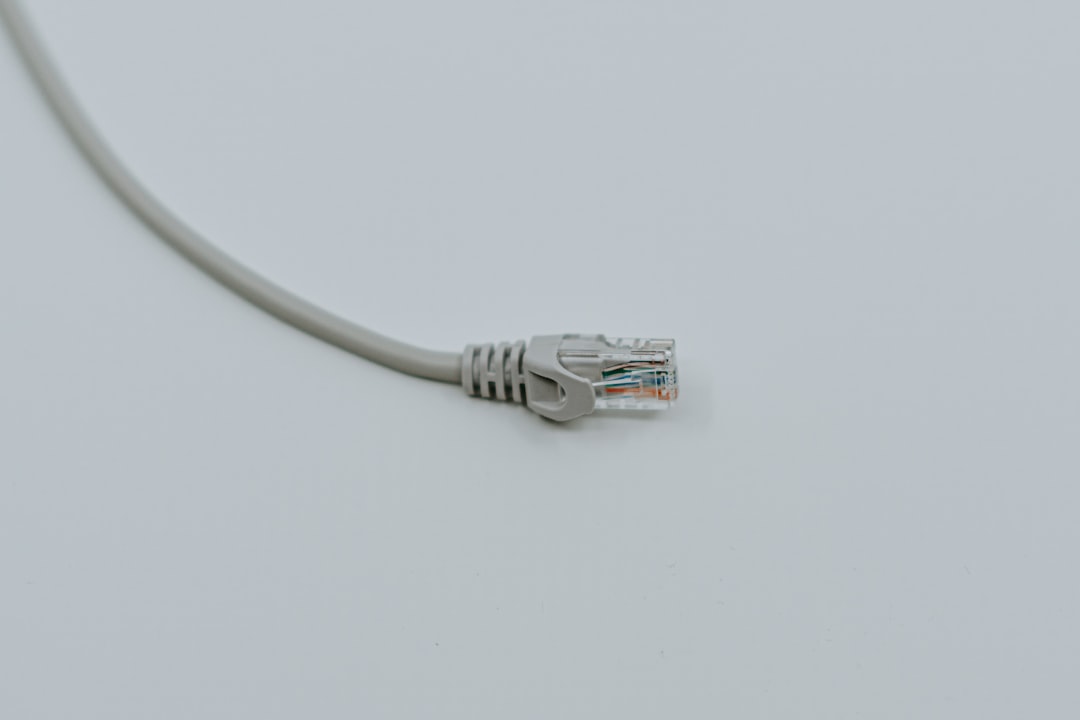
One of the simplest and most effective ways to increase Mbps speed and reduce latency is to switch from Wi-Fi to a wired Ethernet connection. Wireless connections are prone to interruptions, interference, and signal degradation—issues that are nearly eliminated with a high-quality Ethernet cable.
Pro Tip: Use a Cat 6 or Cat 7 Ethernet cable for the most reliable and fast connection possible.

4. Optimize Your Router Settings
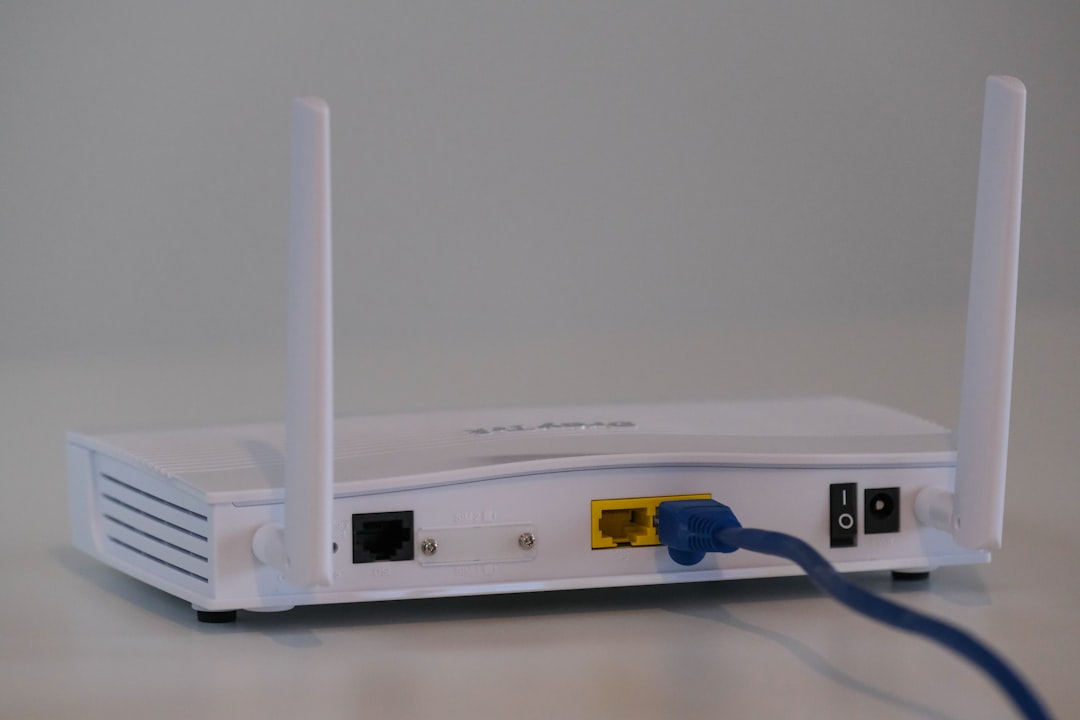
Even a high-end router can slow you down if it’s not configured properly. Updating firmware, changing channel settings, and enabling Quality of Service (QoS) can all help optimize your connection.
- Update Firmware: Manufacturers often release updates to improve performance.
- Choose Optimal Channels: Use router apps or third-party software to find the least crowded Wi-Fi channel.
- Enable QoS: This feature allows you to prioritize network traffic for gaming over other activities like video streaming or downloads.
Bonus Tip: Place your router in a central, elevated location and keep it away from electronic devices that might interfere with the signal.
5. Reduce Network Congestion
If several devices are competing for bandwidth at home, your Mbps will suffer. Streaming, video conferencing, and downloading large files can eat up your available bandwidth. Try these strategies:
- Schedule downloads/updates during off-peak hours.
- Use bandwidth-limiting software or router settings to restrict how much network other devices use.
- Disconnect idle devices that may be using background data.
6. Use a Gaming VPN
Although VPNs are known for adding latency, some specialized Gaming VPNs can actually reduce ping by routing your data through more efficient or closer servers. This can bypass inefficient ISP routing paths and result in a smoother gaming experience.
Note: Make sure to use a VPN service specifically optimized for gaming; regular VPNs may slow things down instead of improving them.
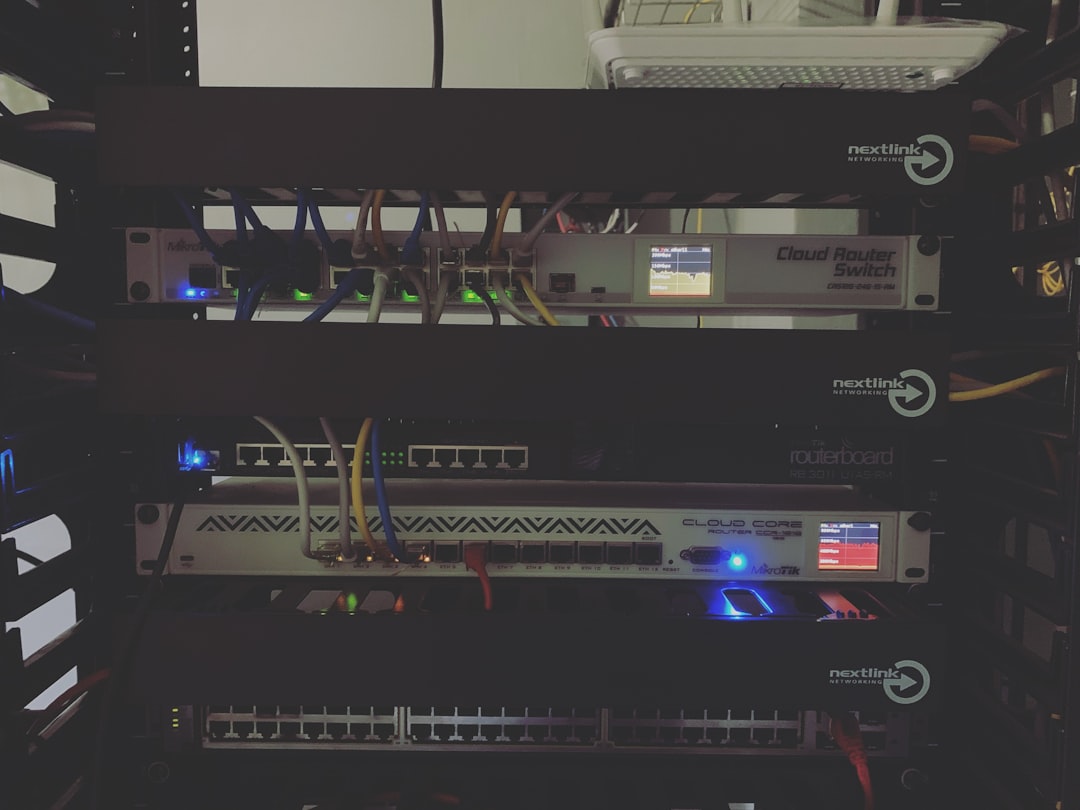
7. Consider a Router Upgrade
Older routers might not support newer Wi-Fi standards like Wi-Fi 6 or dual/multi-band connectivity. Modern routers can drastically improve both range and speed.
- Wi-Fi 6: Higher theoretical speeds and better performance in crowded environments.
- Tri-band routers: Add an extra lane for data traffic, helpful when multiple people are gaming or streaming.
If your router is over 4–5 years old, replacing it might be one of the best investments for better gaming performance.
8. Limit Background Apps and Services
Gaming speed can also be affected by what’s happening on your device. If you’re running multiple background applications—such as cloud backup tools, browsers with open tabs, or auto-sync software—they could be eating up your bandwidth or processing power.
Always:
- Close all unnecessary apps before launching a game
- Disable automatic updates during gaming hours
- Monitor bandwidth usage using tools like Task Manager or third-party apps
9. Set Up Port Forwarding for Specific Games
Many online games use specific ports for data transfer. Enabling port forwarding on your router ensures that data for those ports pass through with minimal interference, which can improve speed and connectivity stability. You can find lists of required ports on each game’s official support page and set them up through your router’s admin dashboard.
10. Regularly Restart Your Modem and Router
This tip may sound basic, but it’s often overlooked. Restarting your modem and router clears residual memory leaks and reconnects them to your ISP’s servers. This can result in improved speeds and stability, especially if the connection has become sluggish over time.
Pro Tip: Consider installing a smart plug and scheduling weekly auto-resets for your modem and router.
11. Track and Monitor Your Speed Over Time
Utilize online speed test tools like Speedtest by Ookla or Fast.com to monitor your Mbps levels over time. If you notice frequent drops in speed, contact your ISP for a line check or consider switching providers. Consistency is key for online gaming, so don’t settle for intermittent quality.
Conclusion: Sharpen Your Competitive Edge
In the world of online gaming, every millisecond can count. Improving your Mbps speed involves more than just paying for a faster internet plan—it’s about managing your network, upgrading the right equipment, and reducing competition for bandwidth. Whether you’re on a casual quest or deep in an esports tournament, applying these pro tips will help ensure your connection keeps up with your skills.
So go ahead—optimize your setup, reduce that lag, and claim the win with a lightning-fast gaming internet experience.