Editor’s Choice: 6 Alternative Photo, Video & Design Tools Reddit Swears By
Looking for creative tools that won’t drain your wallet or patience? You’re not alone. Designers, photographers, video editors, and hobby creators on Reddit constantly swap tips about powerful alternatives to expensive mainstream software. Some are free. Some are cheap. All are worth checking out.
TL;DR: Reddit users love smart, affordable alternatives to big-name creative tools. From photo editing with Darktable to video editing in DaVinci Resolve, these options pack serious power. Many are beginner-friendly and budget-conscious. If you want pro-level results without premium price tags, this list is for you.
Let’s jump into six alternative photo, video, and design tools Reddit swears by.
1. Darktable – The Open-Source Lightroom Alternative
Table of Contents
If you shoot in RAW, you’ve probably heard of Adobe Lightroom. But Reddit photographers often recommend Darktable instead.
Why? Because it’s free. And surprisingly powerful.
Darktable is an open-source photo editor made for serious photographers. It handles RAW files like a champ. You can tweak exposure, adjust colors, fix lens distortion, and sharpen details.
It feels professional. But it doesn’t feel overwhelming.
- Non-destructive editing
- Advanced color correction tools
- Lens correction profiles
- Available on Windows, macOS, and Linux
The interface looks technical at first. But once you understand the layout, it becomes smooth and logical.
Reddit users love that it gives them full control without monthly subscriptions. That’s a big win.
2. DaVinci Resolve – Hollywood-Level Video Editing (Free Version!)
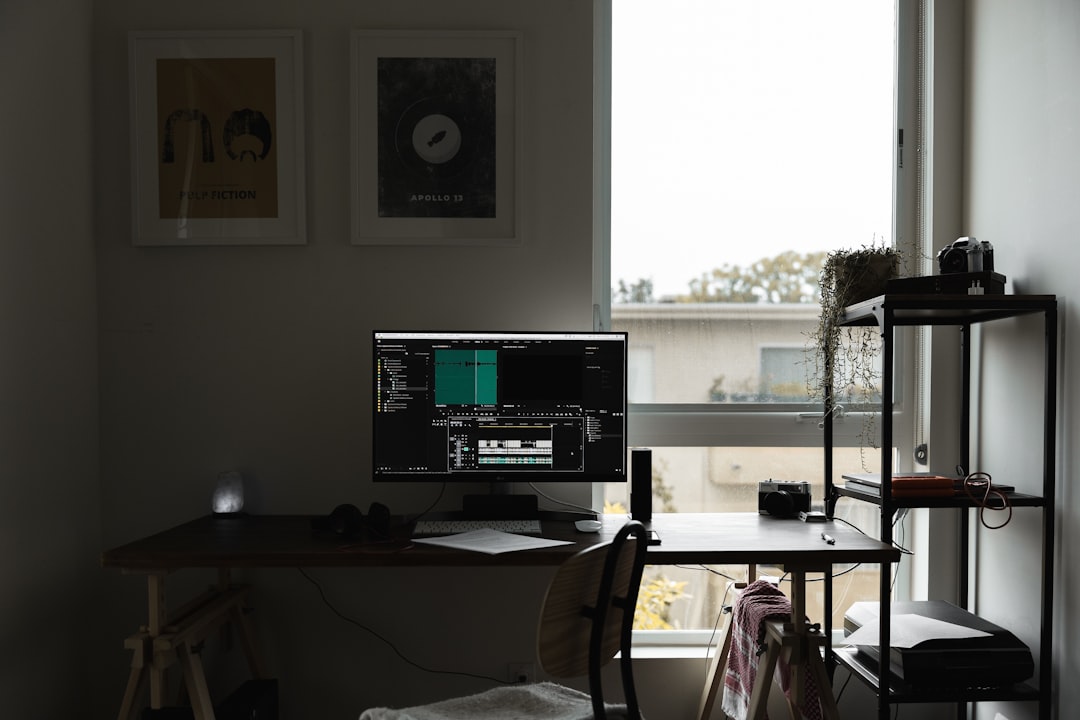
When Reddit talks about video editing, one name comes up again and again: DaVinci Resolve.
Yes, it has a paid Studio version. But the free version is already incredibly powerful.
This isn’t “lite” software. It’s used in real films and TV productions. That’s not hype.
It combines:
- Video editing
- Color grading
- Visual effects
- Audio post-production
All in one place.
The color grading tools are especially impressive. Many Reddit filmmakers say they switched just for that. The node-based color system gives you deep control.
Is there a learning curve? Yes.
Is it worth it? Also yes.
If you’re serious about YouTube, short films, or content creation, this tool can grow with you.
3. Krita – Digital Art Without the Price Tag
Digital illustrators on Reddit constantly recommend Krita.
It’s free. It’s open-source. And it’s surprisingly advanced.
Krita is built for artists. Not photo editors pretending to be drawing tools. That makes a difference.
It offers:
- Customizable brushes
- Stabilizers for smooth line work
- Layer management tools
- Animation features
Many beginners start with expensive tools. Then someone on Reddit says, “Try Krita first.”
And they stick with it.
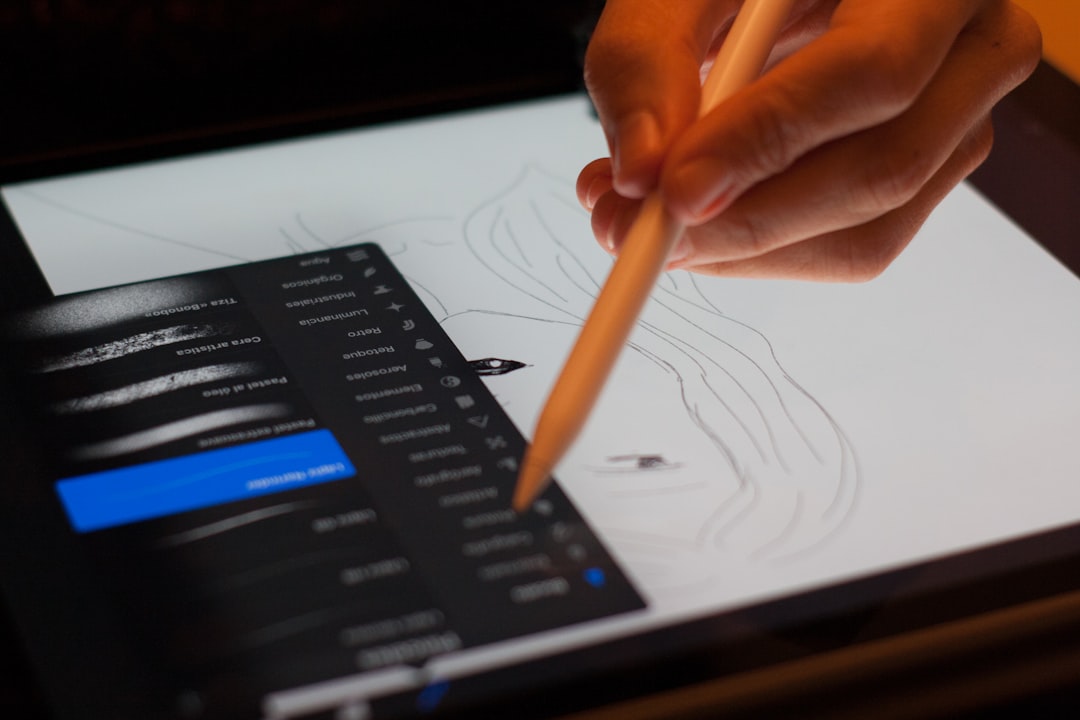
The brush engine is excellent. You can tweak nearly everything. Texture. Opacity. Flow. It feels natural, especially with a tablet.
It’s powerful but not intimidating.
For comic artists and concept designers, it’s a hidden gem.
4. Affinity Designer – A Clean Alternative to Illustrator
Subscription fatigue is real.
That’s why Reddit’s design community often praises Affinity Designer.
It’s a one-time purchase. No monthly fees. And it’s sleek.
Affinity Designer focuses on vector graphics. Logos. Branding. UI mockups. Social media graphics.
What makes it stand out?
- Fast performance
- Clean interface
- Zoom up to insane levels without lag
- Works on desktop and iPad
The zoom feature is almost addictive. You can go from full layout to pixel-level detail in seconds.
Reddit designers often say it feels modern compared to older tools. Less clutter. Less confusion.
It doesn’t try to do everything. It just does vector design really well.
If you design logos or illustrations, it’s worth testing.
5. Shotcut – Simple, Lightweight Video Editing
Not everyone needs Hollywood-level editing.
If you just want clean cuts, smooth transitions, and basic color tweaks, Reddit users often point to Shotcut.
Shotcut is free and open-source. It runs on Windows, Mac, and Linux.
It’s not flashy. But it works.
Features include:
- Drag-and-drop editing
- Wide format support
- Filters and basic color correction
- Audio editing tools
Beginners appreciate how lightweight it feels. It doesn’t overwhelm you with panels and settings.
You open it. Import footage. Start cutting.
That simplicity is why it shows up in so many Reddit recommendation threads.
Sometimes less is more.
6. Blender – Not Just for 3D Nerds Anymore
Blender used to feel niche. Too technical. Too complex.
Not anymore.
Reddit’s creative communities rave about Blender for everything from 3D modeling to animation and even video editing.
It’s completely free. Yet it competes with software that costs thousands.
What can it do?
- 3D modeling
- Animation
- Rendering
- Motion tracking
- Video editing
- Physics simulations
Yes. That’s a lot.
The interface has improved massively over the years. Tutorials are everywhere. Reddit alone is full of guides.
Many indie game developers and animators now rely on Blender full-time.
It does require patience. But the reward is creative freedom.
Why Reddit Loves Alternative Tools
There’s a pattern here.
Reddit users value:
- Freedom from subscriptions
- Strong community support
- Customizability
- High performance without high cost
Many creatives are tired of paying monthly fees. They want tools they own. Tools that evolve with community feedback.
Open-source communities move fast. Bugs get fixed. Features get added. Users help each other.
That sense of collaboration matters.
Also, many of these tools run well on mid-range computers. You don’t need a monster machine.
How to Choose the Right One for You
Don’t install everything at once.
Start with your goal.
Ask yourself:
- Do I edit photos or create digital art?
- Am I making YouTube videos or short films?
- Do I need vector graphics or 3D models?
Then test one tool.
Give it a week. Watch tutorials. Join forums. Ask questions.
If it clicks, stick with it.
If not, try the next option.
Creative software is personal. What feels intuitive to one person may frustrate another.
Final Thoughts
You don’t need expensive software to create amazing work.
You need practice. Curiosity. And the right tools.
Reddit communities are full of creators who experiment constantly. They try alternatives. They compare features. They share honest feedback.
The six tools listed here aren’t “cheap substitutes.” They are powerful platforms in their own right.
Darktable gives photographers control.
DaVinci Resolve brings cinematic power.
Krita empowers illustrators.
Affinity Designer keeps vector work clean.
Shotcut simplifies editing.
Blender unlocks 3D creativity.
And the best part?
Most of them are free or require only a one-time payment.
That means more budget for gear. Or coffee. Or both.
Try one. Create something small. Learn one new feature each day.
You might discover your new favorite tool—just like Reddit did.