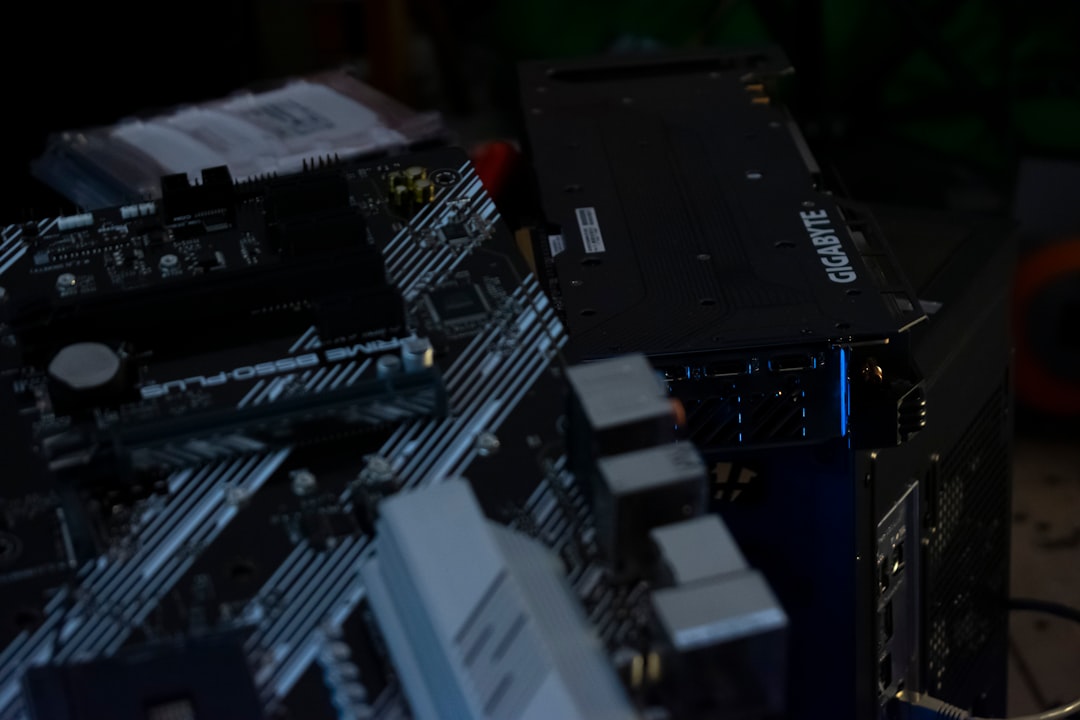
AMD AM5 Socket Issues: Burnout Fixes
AMD made waves with the release of its new AM5 socket. This platform powers their latest Ryzen 7000 series processors. But, as with all new tech, some bumps appeared on the road. The biggest one? Socket burnout. It freaked out gamers and PC builders everywhere.
TL;DR (Too Long; Didn’t Read)
Table of Contents
AMD’s AM5 socket had a burnout issue where high temperatures damaged some CPUs and motherboards. This was mostly caused by high voltage and poor thermal contact. AMD and motherboard makers responded fast with fixes via BIOS updates. If you have an AM5 setup, update your BIOS — it could save your CPU!
What is the AM5 Socket?
The AM5 socket is AMD’s latest socket designed for Ryzen 7000 processors. It replaces the older AM4 platform. With AM5, AMD introduces support for DDR5 RAM and PCIe 5.0.
It’s a big leap forward in performance. But that power also brought more… heat.
Where Things Went Wrong
Soon after launch, users began noticing something strange. Their CPUs were getting too hot. In some cases, motherboards or CPUs became physically damaged. A burnt smell, discoloration, and melted pins were reported.
And that’s when terms like “socket burnout” started popping up everywhere.
Common Symptoms of the Burnout:
- System refusing to boot
- Blackened or scorched motherboard socket
- Visible damage to the CPU contact pads
- Unusual burning smell near CPU area
Why Did the Burnout Happen?
Great question! The burnout wasn’t a hardware design flaw. It was more of a combination of small issues that, together, overheated the socket:
Main Causes:
- High CPU voltage: Some CPUs were running above 1.4V, which is kind of a lot.
- Poor thermal paste application: If the heat can’t go away, things start melting.
- Loose heatsink mounts: Inconsistent pressure = Bad thermal contact.
- BIOS settings: Auto voltage settings can sometimes overdo it.
Random combo? Maybe. But the results weren’t fun.
How AMD Responded
AMD listened. Quickly.
The company issued a statement saying they had identified the issue. Then, they worked with motherboard companies like ASUS, MSI, Gigabyte, and ASRock to roll out fixes.
The Fixes Included:
- BIOS updates that limited SoC (System-on-Chip) voltage to safe values
- Changes to PBO (Precision Boost Overdrive) settings to prevent over-volting
- Thermal safeguards to shut down the system before damage occurs
The fixes worked. Reports of socket burnout slowed down significantly after the updates came out.
How to Protect Your AM5 System
Okay, so you’ve got an AM5 processor. Don’t panic. The danger isn’t nearly as bad now, but it’s still smart to be cautious.
Here are some tips to keep your PC safe:
- Update your BIOS. Go to the motherboard maker’s website and download the latest version. Most companies posted AMD-recommended fixes.
- Don’t manually increase CPU voltage too high. Higher clock speeds are tempting, but cooked CPUs are not.
- Use a proper CPU cooler. Air or liquid—just make sure it’s seated correctly with good thermal paste.
- Watch temperatures. Use tools like HWInfo or CoreTemp. If your CPU is always above 95°C, something’s wrong.
- Wait before extreme overclocking. Let BIOS updates settle in and give AMD time to optimize more.
Signs Your AM5 System Might Be at Risk
Don’t ignore small problems. If you start seeing odd behavior from your shiny new Ryzen 7000 CPU, you might want to investigate right away.
Watch out for:
- System shutdowns under load or gaming
- Error messages related to CPU temps
- Fan running at max speed all the time
- Unusual smells or overheating near the socket
If any of those happen, shut down and check the hardware. Better safe than scorched.
A Quick Word on Warranties
AMD made it clear: they’re covering any damage caused by this issue under warranty. That’s a big deal. It shows the company is taking responsibility.
But still—you don’t want to ship stuff back and forth if you can avoid it.
How PC Builders Reacted
The community had mixed feelings. Some were annoyed. Some were understanding. Others just wanted everything fixed. Memes happened. Lots of them. Especially ones featuring burning CPUs and panic buttons.
But let’s be honest—these kinds of issues aren’t that uncommon in early hardware launches. Intel had its own socket dramas back in the day too.
So if you’re using AM5, just stay updated, stay cool (literally), and keep things running smoothly.
What the Future Looks Like
Now that the burnout problems are mostly ironed out, the AM5 platform is looking strong. Better BIOS versions are always on the way. AMD has plans to support AM5 socket until at least 2025+.
That means your investment is safe… and future-proof-ish.
Final Thoughts
Socket burnouts were scary. But they were fixable. Thanks to BIOS updates and some smart user precautions, the AM5 platform is back on track. So don’t stress — just make sure your system is updated and cooled properly.
And maybe… go easy on that overclocking for now 🧯.