Smart Calendar Platforms For Organizing Tasks And Events
In an increasingly connected world, managing time effectively has become both more challenging and more critical than ever. Professionals, students, entrepreneurs, and families all rely on structured planning to meet deadlines, coordinate events, and maintain balance. Smart calendar platforms have emerged as powerful solutions that go far beyond basic date tracking, integrating automation, collaboration tools, and artificial intelligence to transform how tasks and events are organized.
TLDR: Smart calendar platforms combine scheduling, task management, automation, and collaboration into a single, intelligent system. They use AI to prioritize commitments, send reminders, and optimize time allocation. These tools improve productivity, reduce scheduling conflicts, and centralize personal and professional planning. Choosing the right platform depends on individual needs, team size, and integration requirements.
The Evolution of Digital Calendars
Table of Contents
Traditional digital calendars initially functioned as simple electronic planners. They allowed users to mark dates, set reminders, and store event details. However, modern smart calendar platforms have evolved into fully integrated productivity ecosystems that combine scheduling with task tracking, communication, and analytics.
Unlike static calendars, smart platforms offer:
- Automated scheduling based on availability
- Task synchronization across devices
- Shared team calendars with real-time updates
- AI-driven recommendations for meeting times
- Integration with third-party tools such as email and project software
This transformation has redefined calendars from passive record-keeping tools into active assistants that guide daily decision-making.
Key Features of Smart Calendar Platforms
Modern smart calendar systems incorporate an impressive suite of features that improve both efficiency and clarity.
1. Intelligent Scheduling
AI-powered scheduling analyzes availability across participants and suggests optimal meeting times. This eliminates lengthy back-and-forth communication and reduces scheduling conflicts.

Some platforms also detect patterns in user behavior. For instance, if someone tends to decline early morning meetings, the system learns to avoid suggesting those time slots.
2. Task and Event Integration
Rather than managing tasks in one app and events in another, smart platforms combine both into a unified interface. Tasks can be assigned deadlines and automatically inserted into available time slots.
Benefits include:
- Visual prioritization of urgent activities
- Reduced risk of overlooked responsibilities
- More accurate time allocation
3. Automated Reminders and Notifications
Smart notifications go beyond simple alerts. They can include preparation time, travel estimates, and follow-up prompts. For example, a calendar can remind a user to leave early due to traffic conditions.
4. Cross-Platform Synchronization
Whether accessing a smartphone, tablet, laptop, or smartwatch, users experience seamless updates across devices. This real-time synchronization is essential for dynamic work environments.
5. Collaboration and Sharing
Team functionality allows shared calendars, delegated permissions, and visibility into colleagues’ availability without revealing sensitive details.

Benefits of Using Smart Calendar Platforms
Improved Productivity
Smart calendar platforms reduce cognitive overload by organizing tasks intelligently. Instead of manually planning each hour, users rely on automated scheduling suggestions, freeing mental energy for strategic thinking.
Better Time Management
Time-blocking features encourage users to dedicate specific periods to focused work, meetings, and breaks. Many systems generate visual analytics that show how time is distributed, enabling data-driven adjustments.
Reduced Scheduling Conflicts
Shared availability views minimize double-bookings. When external scheduling links are used, clients or colleagues simply select from open time slots, eliminating confusion.
Enhanced Accountability
Integrated task assignments and timeline tracking make accountability transparent. In team environments, everyone understands their deadlines and responsibilities.
Streamlined Work-Life Balance
Smart calendars can integrate personal and professional commitments while maintaining boundaries through color-coding and privacy filters.
- Separate views for work and personal life
- Automated “focus mode” blocks
- Vacation and time-off tracking
Artificial Intelligence and Predictive Planning
A defining characteristic of smart calendars is their use of artificial intelligence. AI analyzes user habits, response times, and meeting durations to make data-based suggestions.
Examples of AI involvement include:
- Predicting task completion times
- Suggesting buffer periods between meetings
- Recommending rescheduling when conflicts arise
- Optimizing recurring meeting times
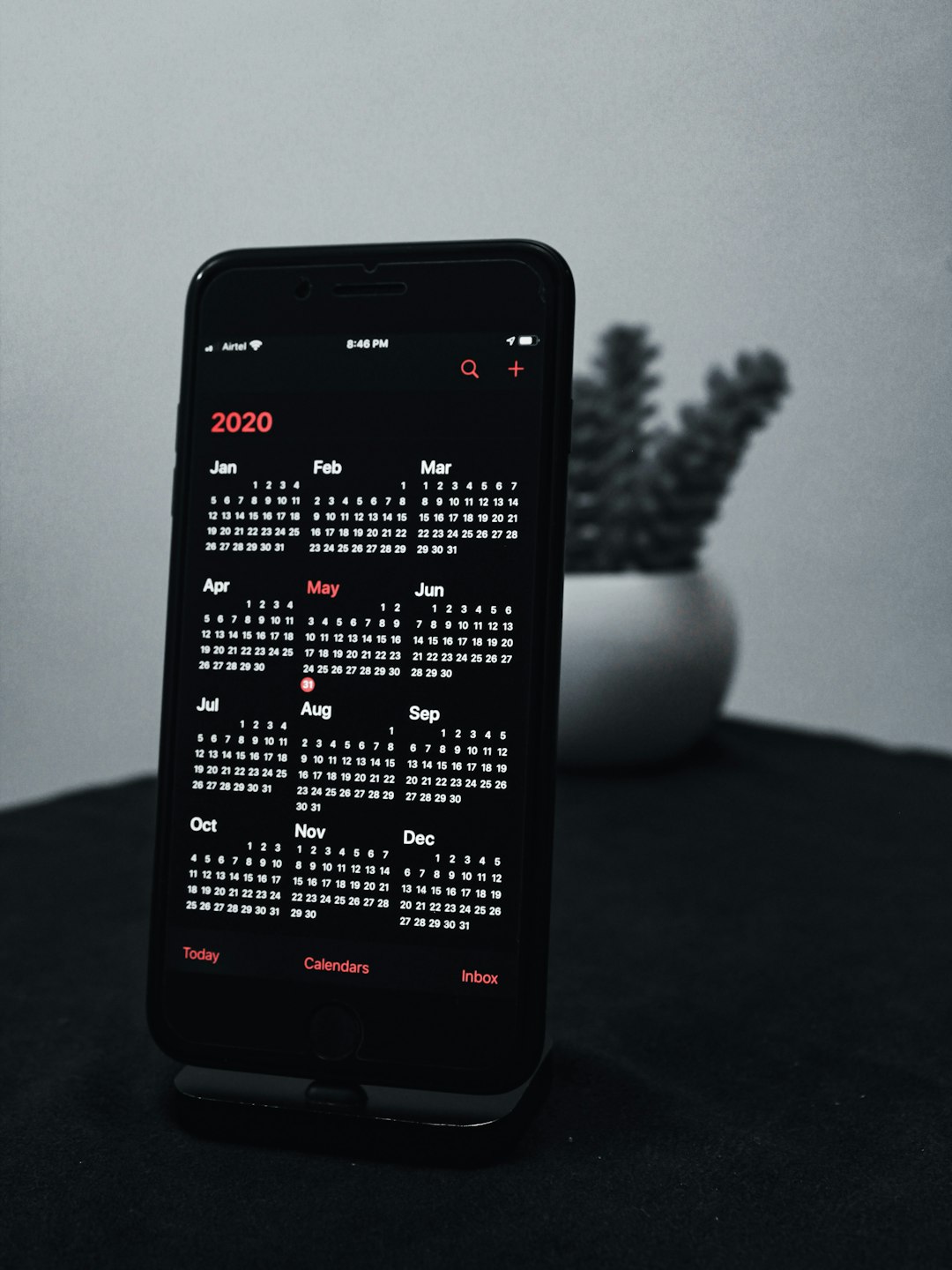
Some platforms even integrate natural language processing, allowing users to type commands such as “Schedule a project review next Thursday afternoon” without manual data entry.
Use Cases Across Different User Groups
Professionals and Executives
Busy professionals benefit from automated scheduling assistants and meeting optimization. Executives often rely on shared access features so assistants can manage their calendars efficiently.
Remote Teams
Distributed teams working across time zones depend heavily on smart calendars with time zone detection and collaborative features. Such tools reduce misunderstandings and streamline virtual meeting coordination.
Students
Students use smart platforms to balance classes, study sessions, assignments, and extracurricular activities. Integration with academic systems can automatically import deadlines.
Entrepreneurs and Freelancers
Freelancers often juggle multiple clients. Smart scheduling links, billing reminders, and task tracking simplify client management and maintain professionalism.
Important Considerations When Choosing a Platform
Selecting the right smart calendar platform depends on several factors:
- Integration Capabilities: Compatibility with email, messaging apps, and project management software
- Ease of Use: An intuitive interface reduces onboarding time
- Customization Options: Flexible views, labels, and color coding
- Security Features: Encryption, user permissions, and data protection
- Scalability: Ability to accommodate team growth
Organizations should also evaluate whether the system supports automation workflows and analytics reporting to maximize efficiency.
Challenges and Limitations
While smart calendar platforms offer significant advantages, challenges remain:
- Over-automation may reduce manual awareness of commitments
- Privacy concerns regarding shared visibility
- Learning curves for advanced features
- Dependence on stable internet connectivity
However, with proper setup and customization, these issues can typically be minimized.
The Future of Smart Calendar Platforms
The future of calendar technology lies in deeper integration and enhanced predictive intelligence. Emerging trends include:
- Voice-integrated assistants for hands-free scheduling
- Behavioral analytics to optimize productivity patterns
- Wellness tracking integration for balanced scheduling
- Advanced automation workflows triggered by calendar events
As technology progresses, calendars may function more like personal productivity strategists than simple planners.
Frequently Asked Questions (FAQ)
1. What makes a calendar “smart”?
A smart calendar uses automation and artificial intelligence to optimize scheduling, integrate tasks, reduce conflicts, and provide predictive recommendations based on user behavior.
2. Are smart calendar platforms suitable for small teams?
Yes. Many platforms offer scalable pricing and features designed specifically for small teams, freelancers, and startups.
3. Can smart calendars improve work-life balance?
They can help by organizing commitments clearly, enforcing time blocks, and preventing overbooking. However, users must still set personal boundaries.
4. Is data stored securely on these platforms?
Most reputable platforms use encryption and strong security protocols. Users should review privacy policies and enable security features such as two-factor authentication.
5. Do smart calendars require constant internet access?
While many features rely on cloud connectivity, most platforms offer offline viewing and sync automatically once reconnected.
6. How difficult is it to transition from a traditional calendar?
The transition is typically straightforward. Many systems import data from existing calendars and provide onboarding tutorials to ease the learning process.
Smart calendar platforms are reshaping the way individuals and organizations manage time. By combining intelligent automation, collaboration features, and predictive insights, these tools transform everyday scheduling into a streamlined, strategic process. As innovation continues, smart calendars will likely become indispensable companions in both professional and personal life.