Video Subtitle Tools Like VEED For Generating And Editing Subtitles
Video content has become one of the most powerful communication tools in marketing, education, entertainment, and social media. As video consumption grows across platforms and devices, accessibility, clarity, and engagement have become top priorities. This is where video subtitle tools like VEED play a transformative role. These platforms enable creators to automatically generate, edit, and customize subtitles with speed and precision, helping videos reach wider and more diverse audiences.
TLDR: Video subtitle tools like VEED allow creators to automatically generate and edit subtitles quickly and accurately. They enhance accessibility, boost engagement, and improve video performance across social media and search engines. With AI-powered transcription, customization options, and multi-language support, these tools simplify what was once a time-consuming process. They are increasingly essential for marketers, educators, and content creators.
Subtitles are no longer an optional feature in video production. They serve as a critical component for accessibility, ensuring that individuals with hearing impairments can fully engage with content. At the same time, subtitles support viewers who watch videos without sound—something that is remarkably common on social media platforms. Tools like VEED streamline subtitle creation, replacing manual transcription with automated systems powered by artificial intelligence.
The Rise of Automated Subtitle Generation
Table of Contents
In the past, adding subtitles required either manual transcription or outsourcing to professional transcription services. This process could be expensive and time-consuming. Modern subtitle tools now use AI-driven speech recognition to convert spoken words into text within minutes.
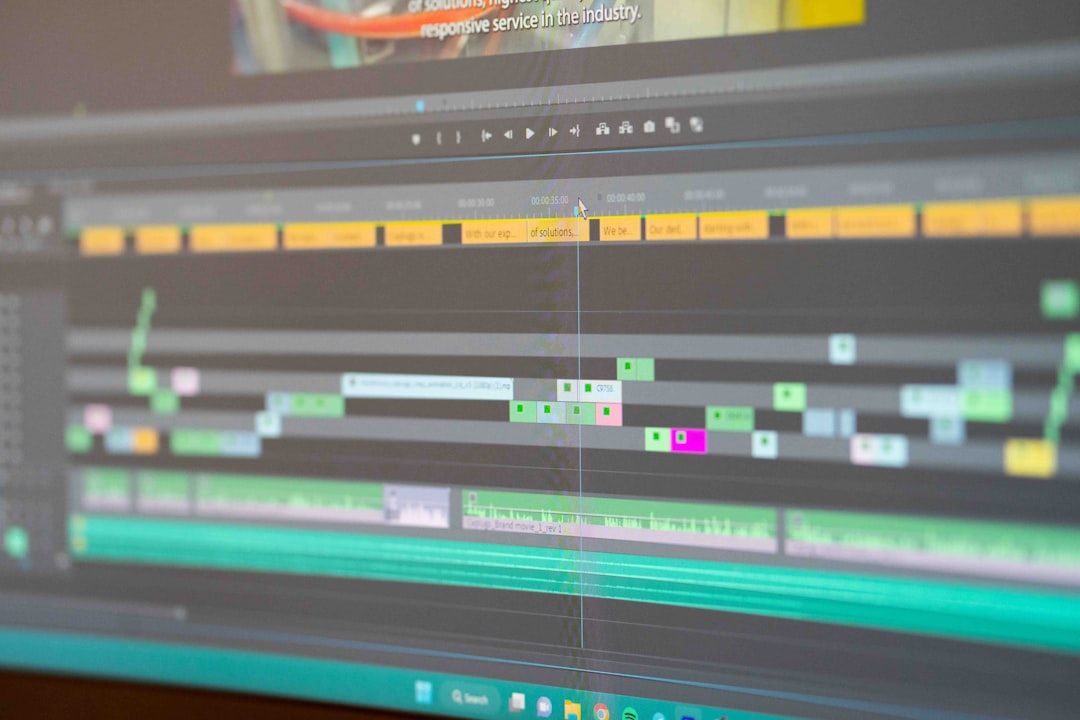
Most platforms operate through a simple workflow:
- Upload a video file
- Choose the auto-subtitle or transcription feature
- Allow the AI system to process the audio
- Edit and refine the generated subtitles
- Export the video with embedded subtitles or download subtitle files
This streamlined process allows creators to focus on storytelling and visual quality instead of manual typing. AI engines have significantly improved in accuracy, often reaching high transcription precision depending on audio clarity and accents.
Why Subtitles Matter More Than Ever
Subtitle usage has expanded beyond accessibility compliance. Today, subtitles directly influence engagement, retention, and reach.
1. Accessibility and Inclusion
Subtitles ensure that content is accessible to individuals who are deaf or hard of hearing. Many organizations are also legally required to provide accessible content. Subtitle tools help meet such standards efficiently.
2. Social Media Viewing Habits
A significant portion of social media videos are watched without sound. Captions allow viewers to understand the content even when muted, increasing watch time and engagement.
3. Improved Comprehension
Subtitles help viewers follow complex topics, accents, and technical explanations. This makes them especially valuable in educational and corporate training videos.
4. Search Engine Optimization (SEO)
When subtitle text is indexed alongside video content, it provides search engines with more textual data. This enhances discoverability and supports stronger rankings.
Core Features of Tools Like VEED
While various subtitle tools exist, platforms in this space typically share a set of powerful functionalities that make them attractive for creators and businesses alike.
AI-Powered Transcription
The foundation of these tools is automatic speech recognition (ASR). This technology converts spoken language into text almost instantly. Many tools support multiple languages, enabling global content production.
Manual Editing Controls
Even with advanced AI, manual refinement remains essential. Subtitle editors allow users to:
- Correct spelling and grammar
- Adjust subtitle timing
- Split or merge text segments
- Modify speaker labels
This hybrid system—automation plus manual precision—ensures professional-quality output.
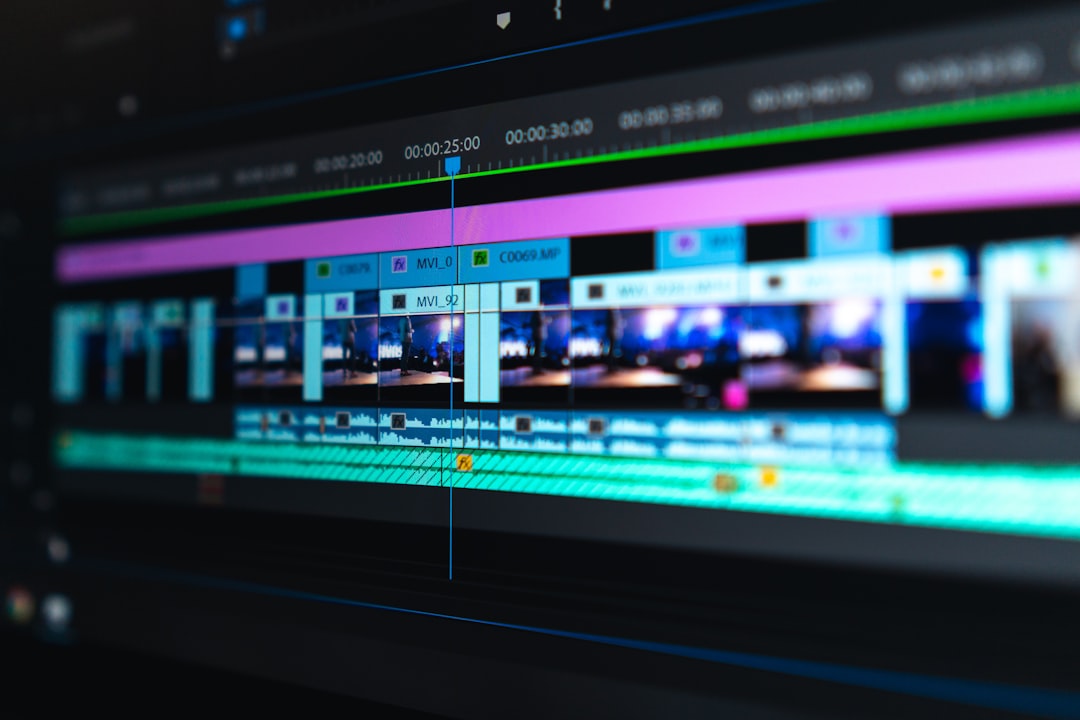
Customization and Branding
Modern audiences expect visually polished content. Subtitle tools offer formatting options such as:
- Custom fonts
- Text colors and background highlights
- Subtitle positioning
- Animated caption styles
These customization features allow brands to maintain visual consistency across videos.
Multi-Language Subtitles and Translation
Global content distribution requires multilingual capabilities. Many tools include automatic translation features, enabling quick adaptation of videos for international audiences. Although machine translations may require review, they significantly reduce localization time.
Export Flexibility
Users can either burn subtitles directly into videos or export subtitle files in formats such as SRT, VTT, or TXT. This flexibility supports various publishing platforms.
Use Cases Across Industries
Subtitle tools are not limited to social media influencers. Their practical applications span numerous sectors.
Marketing and Advertising
Brands use subtitles to engage users on platforms like Instagram, YouTube, TikTok, and LinkedIn. Since many viewers scroll without sound, captions dramatically increase message retention.
E-Learning and Online Education
Educational institutions and online course creators utilize subtitles to improve learning outcomes. Text reinforcement supports memory retention and accommodates diverse learning preferences.

Corporate Communications
Internal training materials, onboarding videos, and company announcements benefit from captions by ensuring clarity, especially in multinational teams.
Entertainment and Media
Independent filmmakers, podcasters, and digital creators use subtitle tools to expand their audience reach beyond language barriers.
Benefits Compared to Traditional Methods
Tools like VEED offer several advantages over traditional subtitle production methods.
- Speed: Automatic transcription drastically reduces turnaround time.
- Cost Efficiency: Eliminates the need for expensive transcription services.
- User-Friendly Interfaces: No advanced technical skills required.
- Cloud-Based Accessibility: Projects can be edited from anywhere.
- Scalability: Suitable for both individual creators and enterprise teams.
This democratization of video editing tools has empowered small businesses and solo creators to compete with larger production companies.
Challenges and Considerations
Despite their advantages, users should be aware of certain limitations.
Accuracy Issues
AI-generated subtitles may struggle with:
- Strong accents
- Background noise
- Technical jargon
- Multiple speakers talking simultaneously
Manual review is essential for professional results.
Data Privacy
Because videos are often uploaded to cloud servers, organizations handling sensitive information should carefully review privacy policies and data practices.
Over-Reliance on Automation
Automation accelerates workflow, but quality control remains crucial. Human oversight ensures nuance and context are preserved.
The Future of Subtitle Technology
Subtitle tools continue to evolve with advancements in artificial intelligence. Emerging features may include:
- Real-time live captioning with enhanced accuracy
- Emotion detection for contextual subtitle styling
- Improved speaker identification
- Advanced translation with cultural nuance recognition
As remote communication and global audiences expand, demand for efficient subtitle generation will continue growing. These tools are likely to become standard components of all-in-one video editing platforms.
Best Practices for Using Subtitle Tools
To maximize effectiveness, users should follow strategic best practices:
- Ensure High-Quality Audio: Clear recordings improve AI transcription accuracy.
- Keep Subtitles Concise: Avoid overcrowding the screen with long sentences.
- Use Proper Timing: Subtitles should match natural speech rhythm.
- Maintain Consistent Styling: Align caption style with brand guidelines.
- Proofread Carefully: Minor errors can undermine credibility.
Applying these practices enhances both viewer experience and professional presentation.
Conclusion
Video subtitle tools like VEED have revolutionized how creators approach accessibility and engagement in digital media. By combining artificial intelligence with intuitive editing interfaces, they dramatically simplify subtitle generation and customization. From social media marketing to corporate communication and global education, these tools empower users to distribute content more effectively and inclusively. As video continues to dominate online platforms, subtitle technology will remain a cornerstone of impactful communication.
Frequently Asked Questions (FAQ)
1. How accurate are AI-generated subtitles?
AI-generated subtitles are generally highly accurate when audio quality is clear. However, they may require manual corrections for accents, background noise, or specialized terminology.
2. Can subtitle tools translate videos into other languages?
Yes, many subtitle tools offer automatic translation features. While helpful, these translations should be reviewed for accuracy and cultural appropriateness.
3. What file formats are commonly supported for subtitle export?
Most tools support popular formats such as SRT, VTT, and TXT, allowing compatibility with various video platforms and media players.
4. Are subtitles beneficial for SEO?
Yes. Subtitles provide searchable text data that can improve video discoverability and contribute to better search engine performance.
5. Do subtitle tools require advanced editing skills?
No. Most platforms are designed with user-friendly interfaces, making them accessible to beginners while still offering advanced features for experienced editors.
6. Is it better to burn subtitles into a video or upload them separately?
Burned-in subtitles ensure universal visibility across all platforms. Separate subtitle files provide more flexibility, such as enabling viewers to turn captions on or off.