6 Platforms Developers Compare When Switching From Thunkable for Drag-and-Drop Mobile App Development
Drag-and-drop mobile app builders have opened the door for entrepreneurs, educators, startups, and even enterprise teams to build functional apps without writing complex code. Thunkable has long been a popular choice in this space, offering a visual, block-based development experience that works across iOS and Android. However, as projects grow or technical needs become more advanced, many developers begin exploring alternative platforms that offer different features, pricing models, flexibility, or scalability.
TLDR: Developers switch from Thunkable for greater flexibility, better scalability, deeper customization, or improved pricing structures. Popular alternatives include Adalo, Glide, FlutterFlow, Bubble, MIT App Inventor, and OutSystems. Each platform has unique strengths, from no-code simplicity to low-code enterprise power. The best choice depends on your technical skill level, app complexity, and long-term growth plans.
Below are six of the most commonly compared platforms when teams move beyond Thunkable for drag-and-drop mobile app development.
1. Adalo
Table of Contents
Best for: No-code entrepreneurs and startups building MVPs
Adalo is frequently compared to Thunkable because both focus on visual app building with intuitive interfaces. However, Adalo places a stronger emphasis on clean UI components and built-in databases, which makes it appealing for founders building minimum viable products (MVPs).

Key Advantages:
- Built-in database and user authentication
- Pre-made UI components for faster design
- Marketplace for third-party integrations
- Relatively shallow learning curve
Why Developers Switch:
Some Thunkable users move to Adalo because of its more structured backend system. Instead of manually configuring logic flows for everything, Adalo offers relational databases that feel more like working with traditional app architecture.
Limitations:
- Complex logic can become restrictive
- Limited advanced customization compared to low-code platforms
- Performance constraints for larger apps
2. Glide
Best for: Rapid internal tools and data-driven apps
Glide takes a slightly different approach. It transforms spreadsheets into fully functional apps. Developers who find Thunkable’s block-based logic too time-consuming sometimes prefer Glide’s data-driven workflow.
Key Advantages:
- Google Sheets or built-in data integration
- Extremely fast app deployment
- Modern, responsive layouts
- Ideal for business dashboards and internal tools
Why Developers Switch:
If your app revolves around structured data, Glide can significantly reduce development time. Instead of building complex data logic manually, you rely on spreadsheet structures and visual rules.
Limitations:
- Less flexible for custom workflows
- Not as powerful for fully custom consumer apps
3. FlutterFlow
Best for: Developers who want visual building with real code output
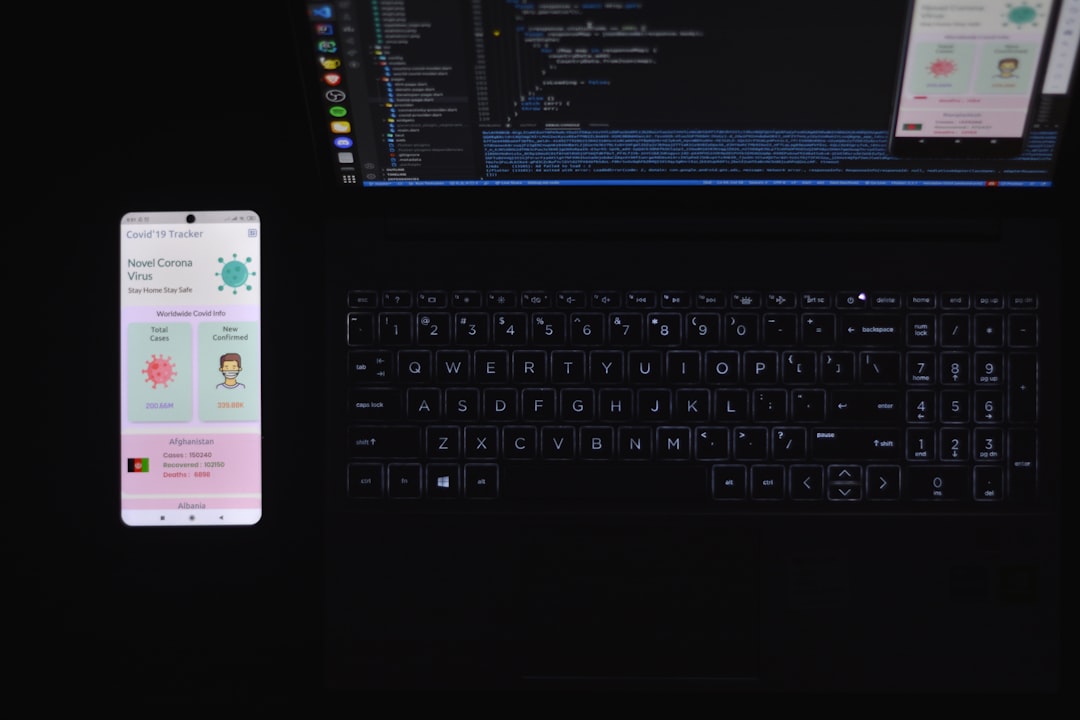
FlutterFlow is a major leap in power compared to traditional no-code tools. It allows drag-and-drop building while generating clean Flutter code underneath. For developers who eventually want to export and control their own source code, this is a major advantage.
Key Advantages:
- Exports production-ready Flutter code
- Strong animation and UI control
- API integrations and Firebase support
- Suitable for scaling beyond MVP stage
Why Developers Switch:
Thunkable is excellent for prototypes and learning environments, but growing startups often need deeper customization. FlutterFlow gives them a migration path into full-code development without starting from scratch.
Limitations:
- Steeper learning curve
- Requires more technical understanding
- More complex setup compared to pure no-code tools
4. Bubble
Best for: Web-first apps with advanced workflows
Although Bubble is primarily a web app builder, many developers compare it to Thunkable when considering cross-platform strategies. Bubble excels in backend workflows, API handling, and complex application logic.
Key Advantages:
- Highly customizable workflows
- Extensive plugin ecosystem
- Powerful backend functionality
- Scalable hosting infrastructure
Why Developers Switch:
When Thunkable’s logic blocks become limiting for large systems, Bubble’s workflow engine can feel liberating. Complex conditional logic, multi-user transactions, and advanced backend processes are easier to manage.
Limitations:
- Mobile apps require wrappers or third-party solutions
- Performance considerations for very large scale deployments
5. MIT App Inventor
Best for: Education and beginner developers
Thunkable originally evolved from MIT App Inventor, so these platforms naturally get compared. Developers who prioritize open-source flexibility sometimes return to MIT App Inventor for educational or experimental projects.
Key Advantages:
- Free and open-source
- Strong academic community
- Excellent learning tool
Why Developers Switch:
If cost is a primary concern or educational use is the goal, MIT App Inventor remains attractive. It removes subscription pricing from the equation.
Limitations:
- Limited modern UI capabilities
- Less polished publishing pipeline
6. OutSystems
Best for: Enterprise-grade mobile app development
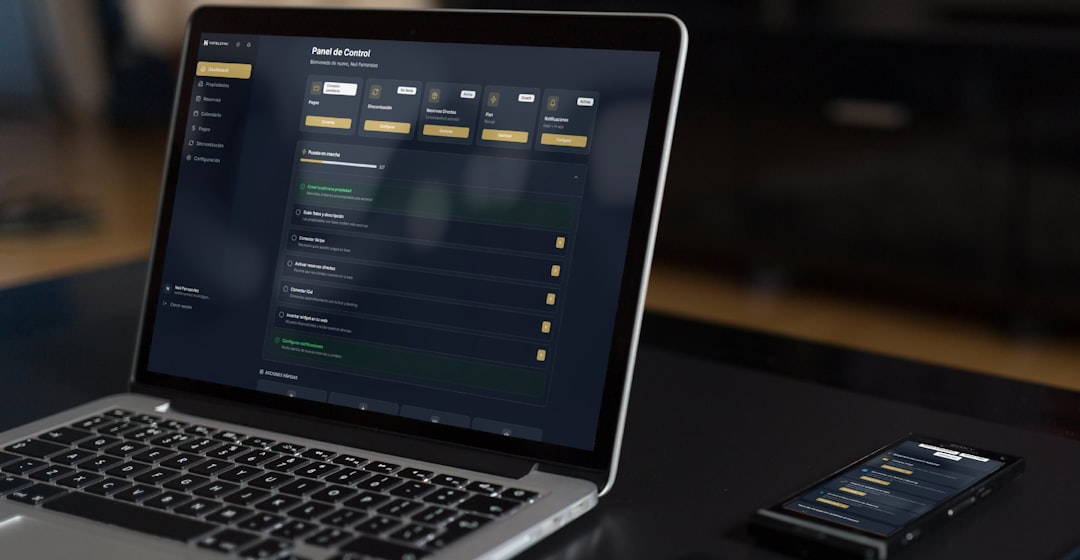
OutSystems operates in a more advanced low-code category. Unlike purely no-code tools, it enables enterprise teams to build complex mobile and web applications with governance, DevOps integration, and scalability.
Key Advantages:
- Enterprise-level security and governance
- Scalable architecture
- Integration with legacy systems
- Strong performance optimization tools
Why Developers Switch:
When startups evolve into growing companies, requirements change. Teams need role-based permissions, secure deployment pipelines, and system integrations. OutSystems addresses those complexities far beyond what Thunkable was designed to handle.
Limitations:
- Higher cost
- Requires professional development oversight
Comparison Chart
| Platform | Best For | Code Export | Backend Strength | Scalability | Learning Curve |
|---|---|---|---|---|---|
| Adalo | MVPs and startups | No | Moderate | Medium | Low |
| Glide | Internal tools | No | Moderate (data-focused) | Medium | Very Low |
| FlutterFlow | Scalable mobile apps | Yes (Flutter) | Strong | High | Medium to High |
| Bubble | Complex web apps | No | Very Strong | High | Medium |
| MIT App Inventor | Education | Limited | Basic | Low | Low |
| OutSystems | Enterprise solutions | Partial | Enterprise-grade | Very High | High |
How to Choose the Right Alternative
Switching from Thunkable shouldn’t be based solely on trends. Instead, consider these factors:
- Project Complexity: Are you building a simple MVP or a scalable SaaS platform?
- Technical Skill: Do you want pure no-code, or are you comfortable with low-code tools?
- Budget: Enterprise tools offer power, but at a premium.
- Ownership: Do you need access to source code?
- Long-Term Goals: Prototype, lifestyle app, or venture-funded startup?
There is no universal “best” platform—only the best fit for your current stage.
Final Thoughts
Thunkable remains a strong option for beginners and fast prototypes, but growing ambitions often require new tools. Whether you move toward Adalo for simplicity, Glide for data apps, FlutterFlow for scalable code export, Bubble for backend mastery, MIT App Inventor for openness, or OutSystems for enterprise power, each platform represents a different philosophy of app development.
The key is understanding your roadmap. A student building a classroom app has very different needs than a startup chasing investor funding. Drag-and-drop development is no longer just about convenience—it’s about choosing the right ecosystem to support your product’s future.
As the no-code and low-code landscape continues evolving, developers have more freedom than ever to experiment, pivot, and scale without being locked into a single platform. Switching from Thunkable isn’t a step backward—it’s often a sign that your project is moving forward.