“Updating Firmware Do Not Power Down” – What It Means
You have seen it before. A black screen. A progress bar. And those slightly scary words: “Updating Firmware. Do Not Power Down.” Suddenly, you are afraid to touch anything. Should you move? Should you breathe? What happens if the power goes out? Let’s break it down in a fun and simple way.
TLDR: When you see “Updating Firmware. Do Not Power Down,” your device is rewriting important instructions that help it function. Turning it off during this process can damage those instructions and cause serious problems. It’s like stopping a brain surgery halfway through. The best thing you can do is wait patiently until it finishes.
First, What Is Firmware?
Table of Contents
Firmware sounds complicated. It’s not.
Firmware is the basic software that lives inside your device. It tells the hardware how to work. It sits somewhere between hardware and regular software. Think of it as the device’s built‑in rulebook.
Examples of devices that use firmware:
- Smartphones
- Laptops
- Wi-Fi routers
- Smart TVs
- Gaming consoles
- Printers
- Even your microwave
Yes. Even your microwave has firmware. Your modern fridge probably does too.
Firmware is stored in special memory chips. These chips keep the instructions even when the power is off.
That’s important.
What Does “Updating Firmware” Actually Mean?
When your device updates firmware, it is rewriting its own core instructions.
It may update firmware to:
- Fix bugs
- Patch security holes
- Improve performance
- Add new features
- Support new hardware
Unlike normal app updates, firmware updates go deeper. Much deeper.
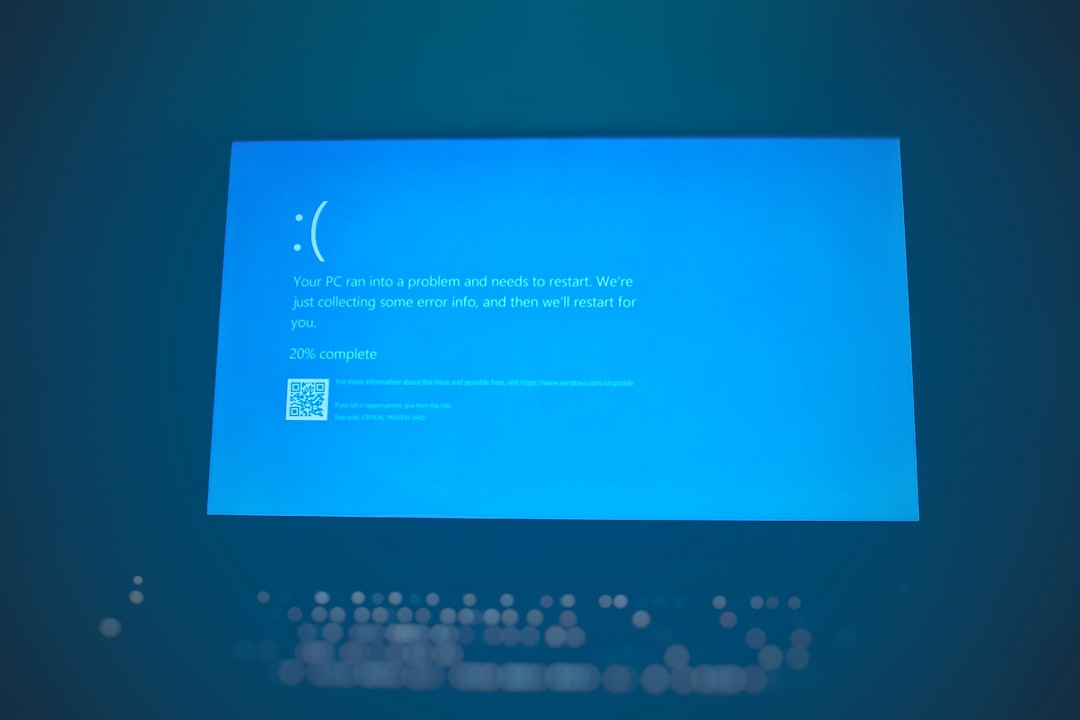
During this update, the device often:
- Erases old firmware code
- Writes new firmware code
- Verifies the code is correct
- Restarts itself
If that process gets interrupted, things can go wrong.
Why “Do Not Power Down” Is So Serious
This warning is not there for fun. It is not a suggestion.
When firmware is being rewritten, the device is in a very delicate state. Imagine repainting a bridge while cars are driving over it. That would be chaos.
Or better yet:
It is like open-heart surgery for your device.
If the power cuts off in the middle of a firmware update:
- The firmware may become incomplete
- The device may not know how to start
- It may freeze or crash
- It might not turn on at all
This is called “bricking” a device.
Why “bricking”?
Because it becomes as useful as a brick.
What Actually Happens If You Power It Off?
Let’s say you ignore the message.
You get impatient. You pull the plug.
Here’s what could happen:
1. Corrupted Firmware
The device erases the old firmware but fails to fully write the new one. Now it has half instructions. It does not know what to do.
2. Boot Failure
When you turn it back on, it may freeze on the logo screen. Or stay black. Forever.
3. Recovery Mode Nightmare
Some devices enter a special recovery mode. This may require cables, computers, or technical knowledge to fix.
4. Permanent Damage
In worst cases, the internal chip becomes unusable. This often requires professional repair or full replacement.

Why Can’t It Just Protect Itself?
Good question.
Many modern devices do try to protect themselves.
Some have:
- Dual firmware systems (a backup copy)
- Battery level checks before starting updates
- Automatic recovery tools
For example, your smartphone won’t usually start a firmware update unless the battery is above a certain percentage.
But even with protections, it’s still risky to interrupt.
No system is perfect.
Why Firmware Updates Take Time
You might stare at the progress bar and think:
“It’s been stuck at 47% forever!”
But behind the scenes, complicated things are happening.
The device might be:
- Checking hardware compatibility
- Reconfiguring drivers
- Updating security modules
- Rebuilding system tables
Some updates appear frozen but are actually working.
That’s why patience matters.
How Long Should You Wait?
Most firmware updates take:
- 2–5 minutes for small devices
- 5–20 minutes for phones and laptops
- Up to 30 minutes for complex systems
If it goes beyond an hour, something might be wrong.
But before panicking:
- Listen for fan noise
- Check for blinking lights
- Look for screen changes
Any activity means it’s probably still working.
Common Devices Where You’ll See This Message
1. Smartphones
Often during major OS updates.
2. Routers
Firmware updates improve speed and security.
3. Computers (BIOS/UEFI Updates)
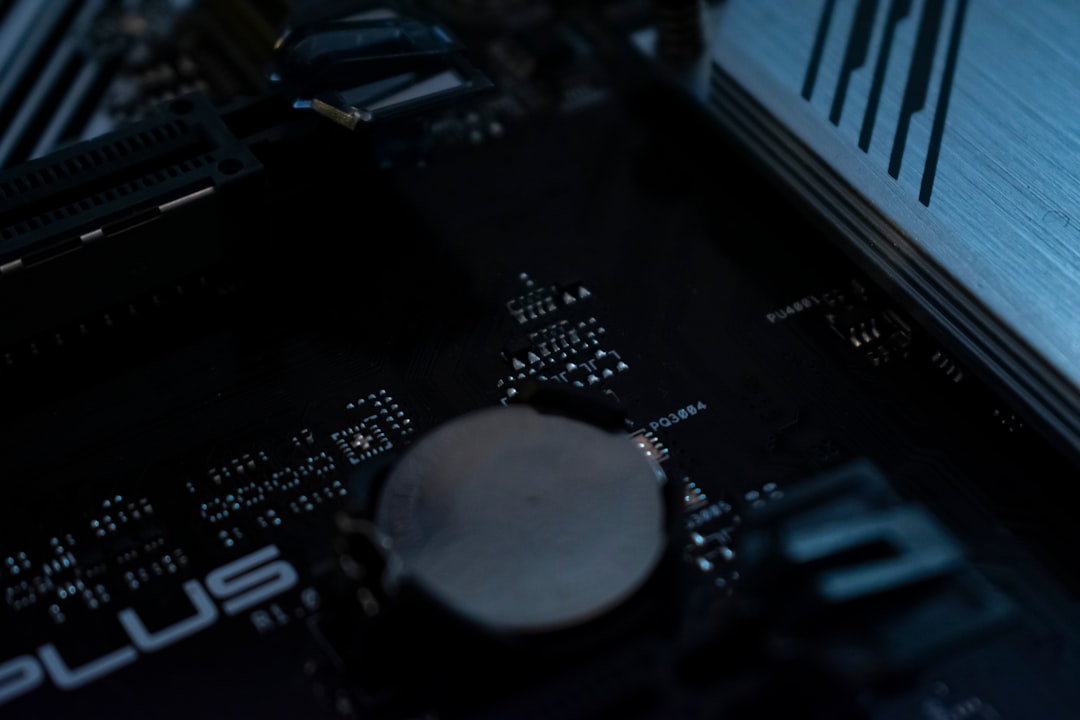
This is especially serious. BIOS firmware controls hardware startup.
4. Gaming Consoles
Updates can add features and improve performance.
5. Smart TVs
Streaming apps may depend on firmware updates.
What Is BIOS Firmware? (Extra Important)
Let’s talk about BIOS for a moment.
BIOS (or UEFI) firmware is the first thing that runs when you turn on a computer.
It:
- Checks your hardware
- Starts your operating system
- Manages low-level settings
If a BIOS update is interrupted, the computer may not even start.
This is one of the riskiest firmware updates.
That’s why laptops often demand:
- Full battery
- Charger plugged in
- No interruptions
How to Safely Handle a Firmware Update
Here’s how to stay calm and safe.
Before the Update
- Charge your device fully
- Plug it into power if possible
- Do not start during a storm
- Avoid unstable power sources
During the Update
- Do not press buttons
- Do not unplug anything
- Do not force restart
- Just wait
After the Update
- Let the device reboot fully
- Check that everything works
- Enjoy the improvements
What If The Power Goes Out Accidentally?
Sometimes you did nothing wrong.
The power failed.
If that happens:
- Wait a few minutes
- Turn the device back on
- Look for recovery instructions
Some devices will automatically retry the update.
If it won’t turn on at all, you may need:
- Manufacturer recovery software
- A service center repair
- Technical support assistance
Do not panic immediately. Many devices are designed to handle minor interruptions.
Why Manufacturers Use Such Dramatic Warnings
The message sounds scary on purpose.
They want your full attention.
If it simply said, “Please wait while updating,” people would ignore it.
But “Do Not Power Down” creates urgency.
And that saves devices.
Is It Ever Safe to Force Shut Down?
Short answer: No.
Long answer: Only if:
- The device is clearly frozen for hours
- There is zero activity
- The manufacturer specifically instructs you
Even then, it is risky.
Why Firmware Updates Are Actually Good
Despite the stress, firmware updates are important.
They:
- Fix security vulnerabilities
- Improve stability
- Enhance speed
- Extend device lifespan
Skipping updates can expose your device to hackers.
Yes. Even your router.
Especially your router.
Simple Analogy to Remember
Think of firmware like the foundation of a house.
Apps are furniture.
The operating system is the walls.
If you update furniture, no big deal.
If you interrupt foundation repairs, the whole house is in trouble.
That’s firmware.
Final Thoughts
The next time you see “Updating Firmware. Do Not Power Down.”
Don’t panic.
Don’t unplug.
Don’t experiment.
Your device is performing delicate internal surgery. It needs time. It needs power. And it needs patience.
Make a coffee. Stretch a little. Scroll on another device.
Let it finish.
Because when it comes to firmware updates, doing nothing is often the smartest thing you can do.
And now, you know exactly why.