5 VPN Security Features That Prevent 80% of Cyber Attacks
The internet can feel like a busy city. Some streets are safe. Others are full of pickpockets waiting for a chance. Hackers do not always use fancy movie-style tricks. Most cyber attacks are simple. They look for easy targets. The good news? A good VPN comes packed with security features that stop most of these attacks before they even begin.
TL;DR: A quality VPN can block the majority of common cyber threats using a few powerful features. Things like encryption, a kill switch, DNS protection, a no-logs policy, and multi-factor authentication stop hackers in their tracks. These tools hide your data, mask your identity, and prevent leaks. Turn them on, and you cut out most of the risk.
Here are five VPN security features that can prevent up to 80% of common cyber attacks. Let’s break them down in plain English.
1. Military-Grade Encryption
Table of Contents
This is the heart of every VPN.
Encryption scrambles your data. It turns readable information into a secret code. If a hacker grabs it, all they see is digital gibberish.
Think of it like sending a locked box through the mail. Only the person with the right key can open it.
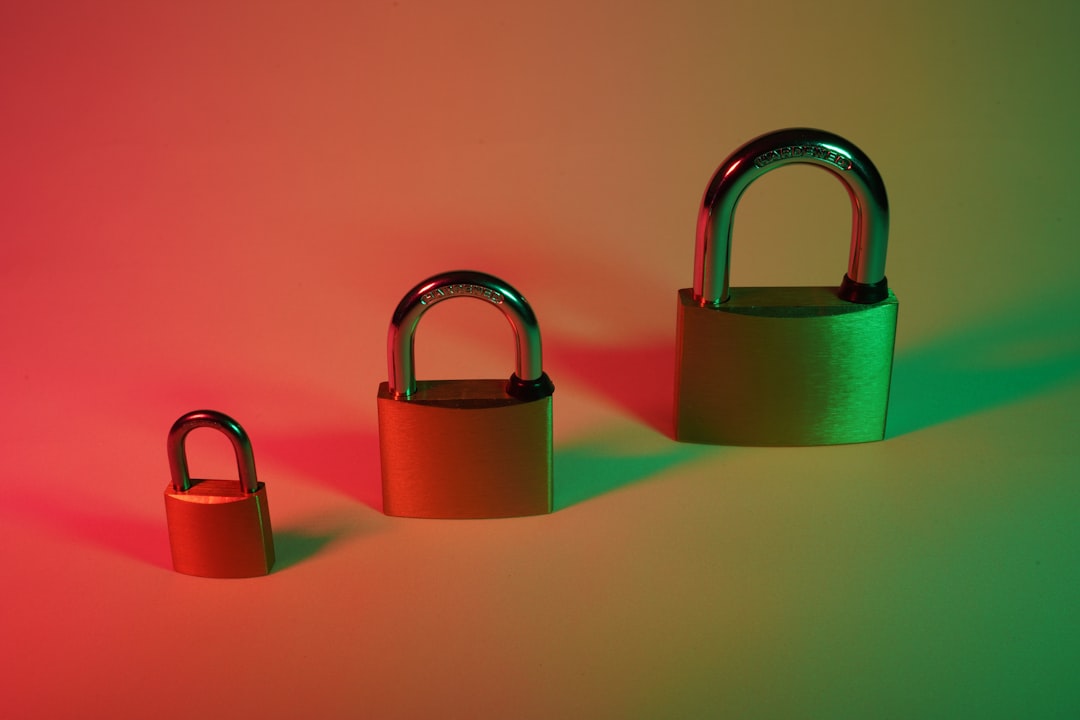
Most top VPNs use AES-256 encryption. That is the same level used by banks and governments. It is not “pretty good.” It is extremely hard to crack.
Without encryption, your data is exposed on:
- Public Wi-Fi networks
- Coffee shops
- Airports
- Hotels
- Even your home network
Hackers love public Wi-Fi. It is easy to intercept traffic there. With encryption on, even if someone intercepts your connection, they cannot read it.
What does this stop?
- Password theft
- Credit card snooping
- Account hijacking
- Data spying
It blocks one of the most common attack methods. And it does it quietly in the background.
2. Kill Switch Protection
This one sounds dramatic. And it kind of is.
A VPN creates a secure tunnel between you and the internet. But what happens if that tunnel suddenly drops? Maybe your Wi-Fi flickers. Maybe your VPN app crashes.
Without protection, your real IP address becomes visible instantly.
This is where the kill switch steps in.
If the VPN connection drops, the kill switch immediately cuts your internet connection. No leaks. No exposure. Nothing slips through.
It is fast. It reacts in milliseconds.
Imagine you are walking through a private tunnel. If the tunnel collapses, a steel door slams shut behind you. That is the kill switch.
This feature prevents:
- IP address leaks
- Location tracking
- Accidental exposure when torrenting
- Data leaks during unstable connections
This is especially useful if you:
- Travel often
- Use public Wi-Fi regularly
- Download sensitive files
- Work remotely
Many people forget this feature exists. But when it is needed, it can save you from serious trouble.
3. DNS Leak Protection
This one sounds technical. But it is easy to understand.
Every time you visit a website, your device sends a DNS request. Think of DNS as the internet’s phonebook. It translates website names into IP addresses.
Without proper protection, these requests can leak outside your VPN tunnel.
And when that happens? Your internet service provider can see where you are going. Sometimes hackers can too.
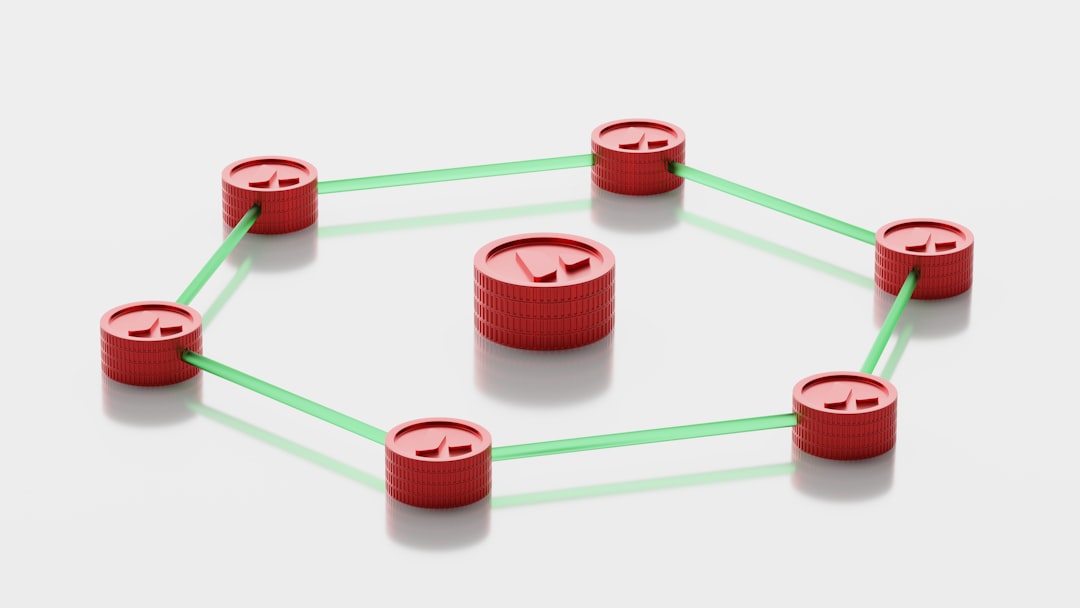
DNS leak protection ensures all these requests stay inside the encrypted VPN tunnel.
No side doors. No accidental exposure.
Why does this matter?
- Your browsing habits stay private
- Your ISP cannot track your activity
- Websites cannot easily trace you
- Man-in-the-middle attacks become harder
Many cyber attacks start with small bits of information. A DNS leak is one of those small cracks hackers love to exploit.
Seal the crack. Remove the opportunity.
4. Strict No-Logs Policy
This feature is less technical. But just as powerful.
A no-logs policy means your VPN provider does not store records of your online activity.
No browsing history. No connection timestamps. No IP address logs.
Why is this important?
If data does not exist, it cannot be stolen.
Imagine a hacker breaks into a VPN company’s servers. If logs are stored, your history could be exposed. If nothing is stored, there is nothing to steal.
It also protects you from:
- Data requests
- Government surveillance overreach
- Internal misuse of stored data
Not all VPNs are equal here. Some claim “no logs” but quietly store certain metadata.
Look for:
- Independently audited policies
- Clear privacy statements
- Companies based in privacy-friendly countries
Privacy is not just about hiding from hackers. It is about reducing digital footprints everywhere.
5. Multi-Factor Authentication (MFA)
Passwords alone are weak.
Even strong passwords can be stolen through phishing attacks or data breaches.
Multi-factor authentication adds another layer.
To log in, you need:
- Something you know (your password)
- And something you have (a phone or authentication app)
Sometimes even:
- Something you are (fingerprint or face scan)
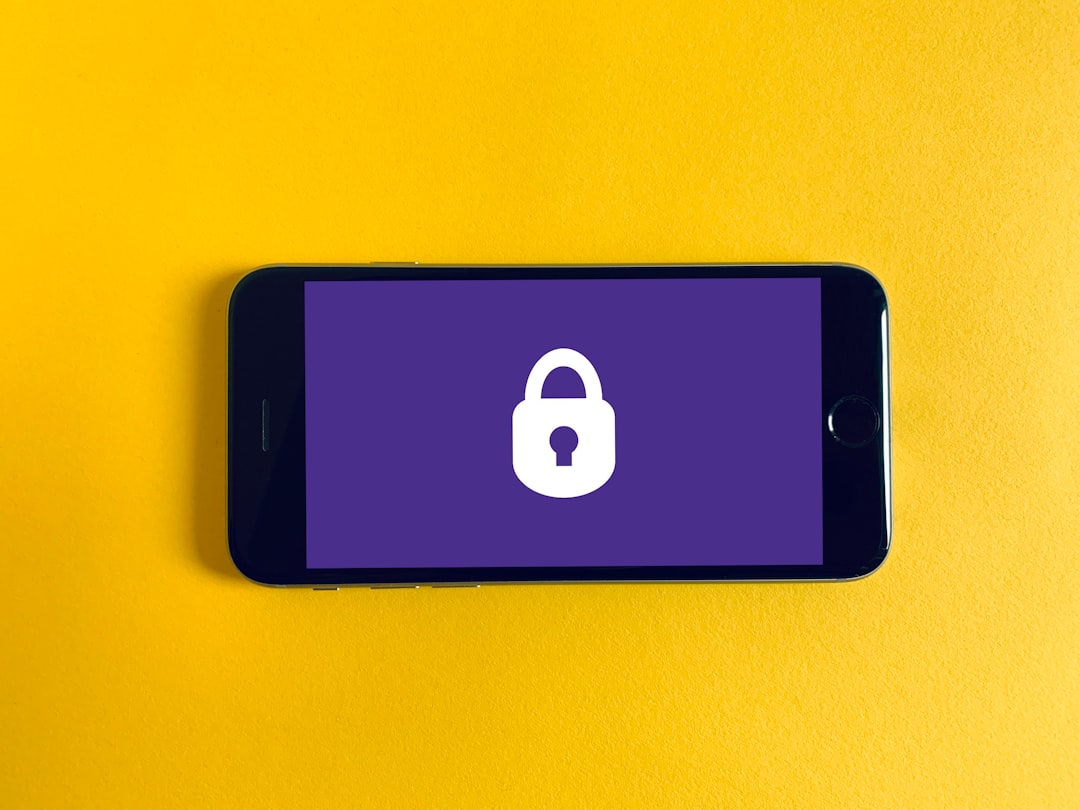
If a hacker gets your password, they still cannot access your VPN account without the second factor.
This prevents:
- Account takeovers
- Credential stuffing attacks
- Unauthorized VPN access
It sounds simple. But it is extremely effective.
Most large-scale attacks rely on stolen credentials. MFA shuts that door firmly.
Why These Five Features Stop Most Attacks
Most cyber attacks are not genius-level hacks.
They rely on:
- Unencrypted data
- Weak passwords
- Data leaks
- Exposed IP addresses
- Poor privacy practices
The five features above directly target those weaknesses.
Let’s connect the dots.
- Encryption stops data theft.
- Kill switch stops accidental exposure.
- DNS protection stops privacy leaks.
- No-logs policy stops stored data misuse.
- MFA stops account hijacking.
That covers the majority of common attack methods.
Are there still advanced threats out there? Yes.
But most cyber criminals go after easy targets. They want fast wins. Not complex battles.
When you use a VPN with these features enabled, you stop being easy.
Bonus: Small Habits That Multiply Your Protection
A VPN is powerful. But pairing it with smart habits makes it even stronger.
- Keep your software updated.
- Avoid clicking unknown email links.
- Use a password manager.
- Enable automatic updates.
- Turn on MFA everywhere possible.
Cybersecurity is like brushing your teeth. Small daily habits prevent big problems later.
Final Thoughts
You do not need to be a tech genius to stay safe online.
You just need the right tools. And you need them turned on.
A VPN is not magic. But when it includes strong encryption, a kill switch, DNS leak protection, a no-logs policy, and multi-factor authentication, it becomes a serious defense system.
These five features block the most common traps hackers set.
And the best part?
Once configured, they work quietly in the background. No effort required from you.
The internet may always have risks. But you do not have to walk around unprotected.
Flip the switch. Lock the tunnel. Seal the leaks.
And browse with confidence.