How Filmmakers and Writers Use PixVerse Story Concepts and invideo Scenes to Build Fast Prototypes
In the ever-evolving universe of storytelling and visual media, staying ahead often means staying fast. Filmmakers and writers are embracing new digital tools that streamline ideation and accelerate the journey from concept to prototype. Among the standout resources transforming the creative ecosystem are PixVerse and invideo Scenes — cutting-edge platforms that blend visual storytelling, AI, and intuitive design to help storytellers build narrative blueprints in record time. These platforms are quickly becoming essential to creators who want to experiment swiftly with tone, structure, and visual dynamics.
TLDR:
Table of Contents
Filmmakers and writers are utilizing PixVerse’s dynamic story concepts and invideo Scenes’ fast scene generation to quickly prototype ideas. These tools empower creators to visualize their narratives, test tones, and generate moodboards or animated sequences without full-scale productions. The seamless integration of AI technology, visual templates, and interactive editing reduces both time and cost. Whether for pitching, previsualization, or exploration, these platforms are changing the way stories come to life.
What is PixVerse?
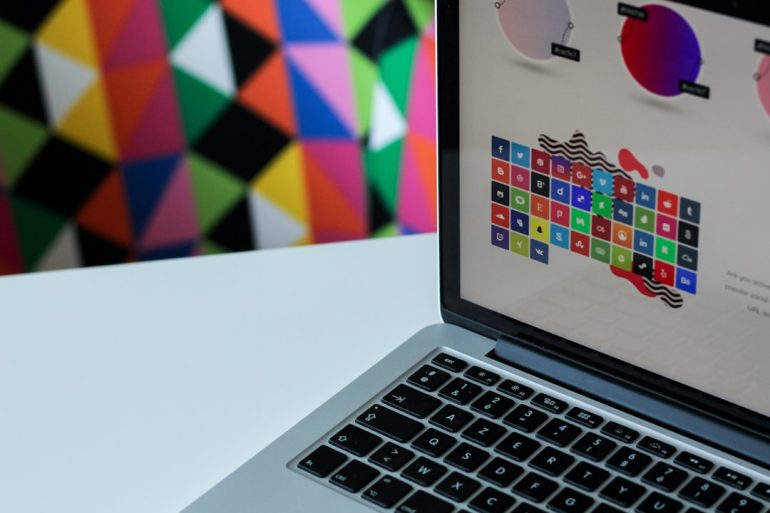
PixVerse is a story development platform powered by AI that helps users create narrative frameworks using interactive visuals and concept-generation tools. With a wide range of themes, genres, and moods to choose from, it allows filmmakers and writers to construct story arcs, generate character concepts, and visualize scenes as animated story boards—often within minutes.
Key Features of PixVerse:
- AI-Generated Story Concepts: From fantasy epics to sci-fi dramas, PixVerse can generate complex story premises at the click of a button.
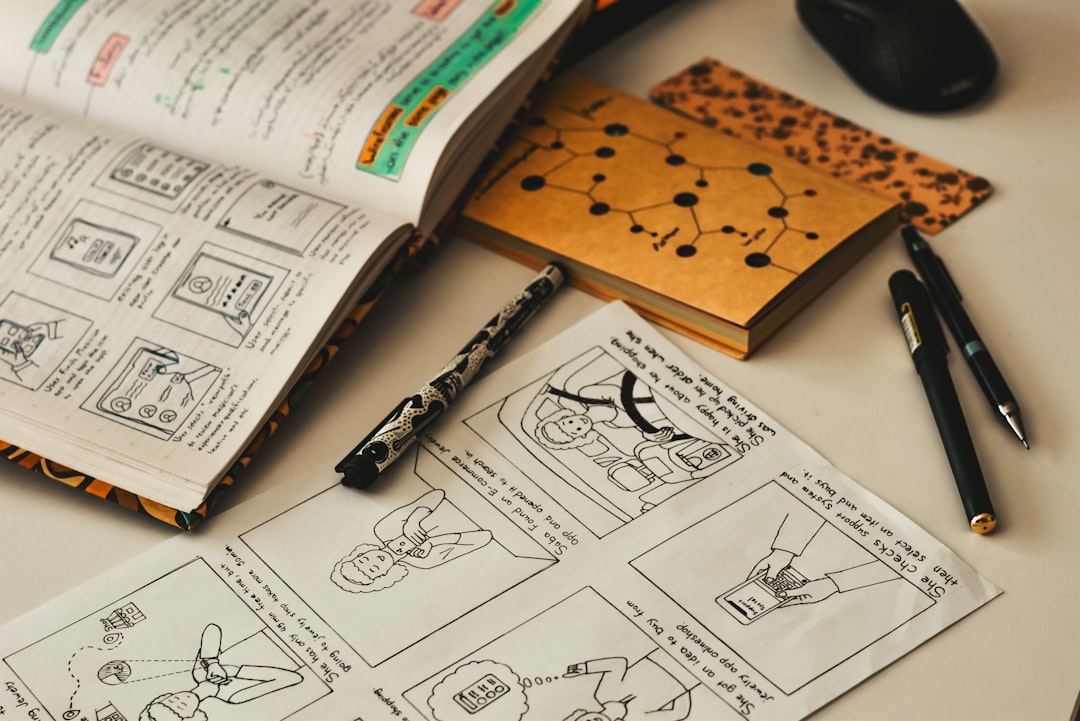
- Dynamic Storyboards: Automatically populates scenes with AI-generated imagery or animations to help convey tone and setting.
- Adjustable Arcs: Writers can interactively change turning points, character motivations, and plot tension via intuitive sliders.
This democratizes previsualization, making it possible for storytellers — even with limited budgets — to convey their vision convincingly to collaborators, investors, or production teams.
Introducing invideo Scenes
invideo Scenes complements the narrative functionality of PixVerse by offering automated scene-building tools. While tailored primarily for content creators, marketers, and video editors, it’s increasingly being adopted by indie filmmakers and scriptwriters to mockup cinematic sequences before going into production.
Core Benefits:
- Scene Previsualization: Insert dialogue, narration, or soundtrack elements into prebuilt video templates to see how a scene flows.
- Drag-and-Drop Interface: Quickly modify scenes, settings, and transitions using intuitive tools.
- Audio Sync & Mood Matching: Invideo automatically syncs visuals to music or tone-palette selections, creating a cinematic flow.
These features enable a form of “cinematic sketching” where ideas can be rapidly tested and iterated. This is especially useful in the pitching stage, or during early script visualization conferences.
Creating Fast Prototypes: How It Comes Together
Imagine a writer who’s just developed a new fantasy series. Using PixVerse, they generate a three-act structure featuring a reluctant hero, a crumbling realm, and a mysterious antagonist. With just a few tweaks, character visualizations are created through AI art, prop sets are generated, and thematic inspiration boards are made live.
Once the story concept is fleshed out, this writer can jump into invideo Scenes to craft a teaser trailer. They upload a sample script, drop in selected visuals, and overlay narration or sample voiceovers. Within hours, they’ve created a proof-of-concept worthy of pitching to streaming platforms or production companies.

The entire process—a journey that might traditionally span weeks and cost thousands—is reduced to a fraction of the time and budget. The faster a prototype is built, the faster valuable feedback can be obtained.
Real-World Applications
Writers, animators, and filmmakers are increasingly employing these tools across different stages of development:
- Pitch Decks & Lookbooks: Quickly generate visuals and visual tone guides to accompany a story pitch.
- Proof-of-Concept Clips: Assemble snippets of imagined scenes to communicate the narrative style or pacing.
- Interactive Moodboarding: Translate vibes into concept art and palettes that guide camera and cast decisions.
Sci-fi directors showcase vistas of alien worlds without needing production designers yet. Screenwriters can simulate a dialogue-heavy scene to see whether the pacing and emotion land effectively. Even game designers now rely on such tools to visualize mission arcs or cinematic cutscenes before modeling assets in 3D.
Benefits Over Traditional Methods
Before platforms like PixVerse and invideo Scenes, creators had to rely heavily on static documents like text scripts, moodboards created in Photoshop, or expensive animation reels commissioned by studios. Now, with just a browser tab open, an independent writer can build:
- A story arc with character development and conflict arcs.
- A visual representation of key scenes including movement and pacing.
- A trailer-style sizzle reel to emotionally engage stakeholders.
More importantly, these systems encourage a feedback-first workflow. By enabling early testing of concepts with audiences or producers, creators can fine-tune their vision well before the expensive parts of production begin.
Challenges and Limitations
Of course, as powerful as these tools are, they don’t fully replace the creative genius or nuanced direction of human storytellers. There are limitations in:
- AI Interpretation: Sometimes, the AI-generated visuals or arcs may miss subtle character nuances or original themes.
- Customization Gaps: While flexible, these platforms can occasionally lack the depth needed for highly specific or culturally-sensitive narratives.
- Learning Curve: Despite user-friendly interfaces, time is still needed to master the tools and exploit them to their fullest.
However, many creators see these less as limitations and more as boundaries that push human-AI collaboration. Used thoughtfully, these platforms can supercharge the storytelling process.
Tips for Filmmakers and Writers New to Prototyping Tools
- Start Small: Instead of your whole script, test one climactic or pivotal scene first.
- Set the Mood: Use genre tags and music carefully to align tone and audience expectations.
- Engage Collaborators Early: Share your visual prototypes with colleagues or producers to refine intentions from the start.
- Think Flexibly: Let the AI surprise you—sometimes unexpected outputs lead to better creative ideas.
The Future of Story Development
As AI gets more sophisticated and creative platforms become more accessible, the boundary between idea and execution will continue to blur. We can foresee the creation of rich, emotionally resonant stories being democratized for millions of people—right from living rooms across the world.
PixVerse and invideo Scenes don’t just help creators build faster; they help them build smarter, with real-time insights and collaborative potential exponentially greater than ever before.
For filmmakers and writers ready to embrace the future of rapid prototyping, this magical blend of story AI and cinematic visualization tools is the ultimate creative sandbox.
 indie filmmaker, pitching deck, visual storytelling[/ai-img>