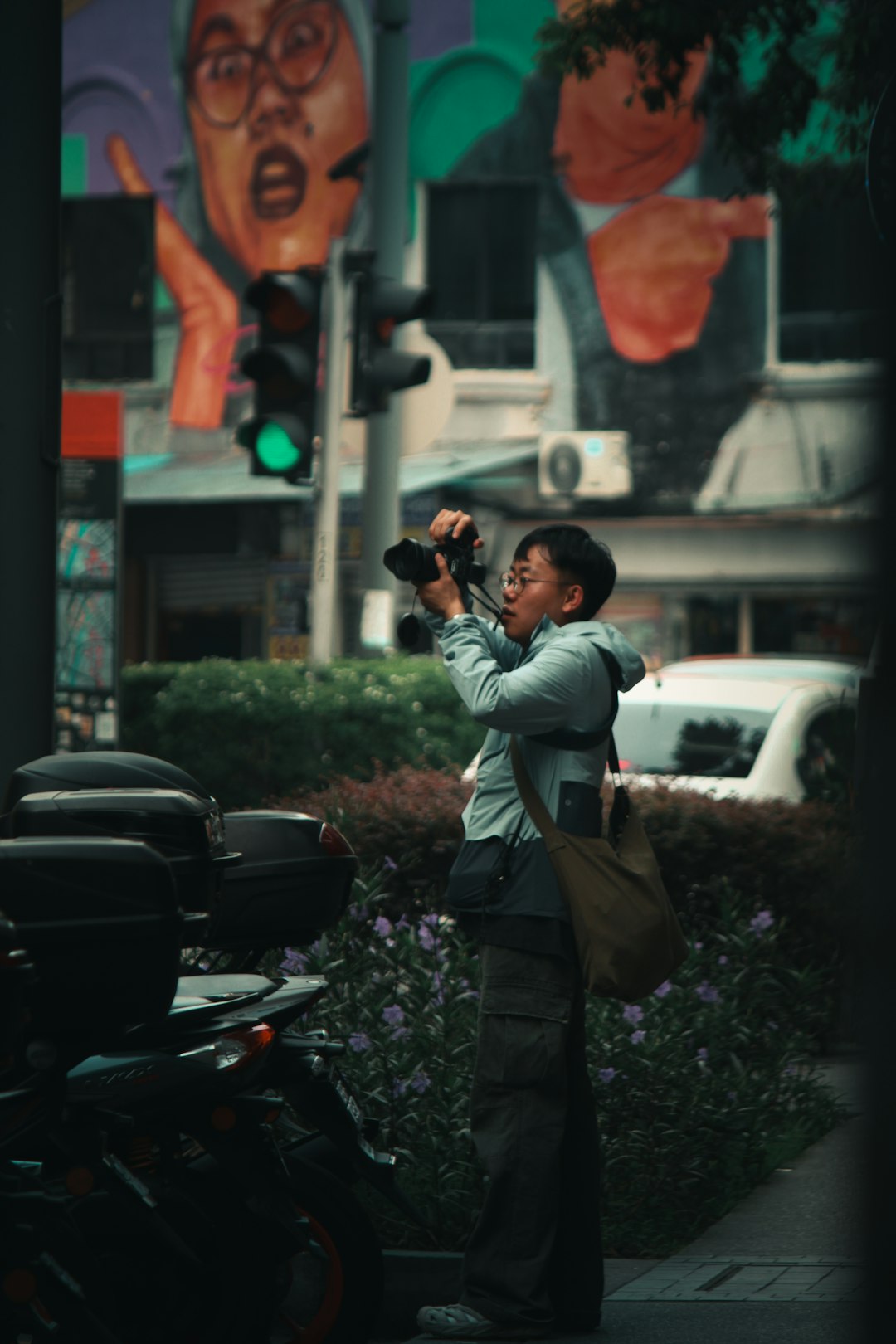
Business Card Generators for Freelance Photographers Showcasing Portfolios
In today’s competitive freelance photography industry, making a memorable first impression can mean the difference between landing a job or being forgotten. One of the most timeless yet evolving tools in a photographer’s marketing arsenal is the business card — now more powerful than ever, thanks to online business card generators that allow for multimedia integration like portfolio integration, QR codes, and more.
TLDR
Table of Contents
Business card generators tailored to freelance photographers offer visually compelling and professionally designed templates that help showcase your skills at a glance. These tools can integrate photography portfolios via QR codes, social media links, or unique visual layouts. Using modern card generators not only saves time but ensures consistency in branding. If you’re a freelance photographer looking to stand out while also making your work accessible, these tools offer a smart and professional solution.
Importance of a Business Card in the Digital Age
Although digital platforms like Instagram, Flickr, and personal websites dominate the photography world today, the tangible impact of a well-designed business card remains indispensable. A business card:
- Establishes Immediate Credibility – It shows professionalism and readiness.
- Stands Out in Face-to-Face Meetings – Ideal for networking events, meetups, or casual encounters.
- Acts as a Physical Reminder – Something a potential client can actually hold and recall when in need of a photographer.
Modern business cards, however, are not just paper with contact information. With the help of intelligent business card generators, a freelance photographer can incorporate dynamic elements that lead viewers straight to a visually rich portfolio or photo gallery.
Why Use a Business Card Generator Instead of Designing from Scratch?
Many freelance photographers are artists, and it’s tempting to DIY your card either through Photoshop, Illustrator, or by hiring a designer. However, there are several compelling reasons to use a modern business card generator:
- Ease of Use: No advanced graphic design skills required. Most generators use drag-and-drop functionality.
- Customization: Modify colors, fonts, icons, and layouts to reflect your brand and photography style.
- Speed: Save time with ready-to-use templates and instant previews.
- Portfolio Integration: Built-in options to add QR codes or clickable elements when used digitally.
- Consistency: Aligns your printed and digital materials for cohesive branding.
For freelance photographers particularly, generators also allow you to spotlight your specialization such as portrait, landscape, fashion, or event photography using specific design elements and visual cues.
Key Features for Photographers to Look For
Business card generators come in all shapes and sizes, but freelance photographers should prioritize tools that provide:
- Photography-Focused Templates – Templates that emphasize visuals or provide placeholders for mini gallerias.
- QR Code Integration – Send clients directly to your online portfolio or Instagram feed.
- High-Resolution Output – Ensures print quality for physical cards and crisp resolution for digital versions.
- Social Media Links – Showcase your presence on platforms where your audience is active.
- Custom Logo Upload – Incorporate your own signature or watermark to authenticate your brand.
These features make a distinct business card that is not only a brief introduction but also an invitation to explore your creative world.
Best Business Card Generators for Freelance Photographers
Below are some of the most trusted and widely used business card generators that are particularly friendly to freelance photographers:
1. Canva
Canva offers a wide array of templates specifically created for photographers. With drag-and-drop editing, access to stock images, and ways to incorporate your own shots, it’s both powerful and easy to use.
- Free and premium options
- Add QR codes easily
- Mobile-friendly editing
2. Adobe Express
Formerly known as Adobe Spark, Adobe Express has a more professional look and ties in seamlessly with other Adobe tools. Ideal for photographers already familiar with Creative Cloud.
- Real-time collaboration and cloud saving
- Creative fonts and layout flexibility
- Optimized output for print and digital
3. Moo
If you’re looking for high-end, physical cards, Moo is a premier choice. Moo allows full customization, high-quality paper choices, and even spot gloss or gold foil effects — perfect for luxury or fashion photographers.
- Supports Printfinity (different image on every card)
- Thick card stock with elegant finishes
- Design assistance available

Design Tips That Highlight Your Portfolio
Even with the right tool, your card’s effectiveness comes down to design. Here’s what photographers should focus on:
- Use a Signature Image: Choose a compelling image that represents your style and strength.
- Minimal Text: Keep textual content concise — name, title, website, email, and QR code may be all you need.
- Color Coordination: Use a limited palette that reflects your unique branding. Black and white often works well for a timeless photographic feel.
- Typography Matters: Choose fonts that are both stylish and legible. Avoid overly decorative fonts that distract from your visuals.
How to Integrate Your Portfolio Effectively
When using a business card generator, integration with your portfolio can be done in a few impactful ways:
- QR Code: Place it on the back of the card. Make sure it links directly to a curated selection rather than your homepage.
- Dedicated Short URL: Use services like Bit.ly to create a memorable custom link.
- Augmented Reality Integration: Some advanced tools allow you to link an AR overlay via an app scanner — ideal for tech-savvy clients.
It’s important to test and ensure all these links and features work flawlessly before printing or distributing your cards.

Cost vs. Value: Is It Worth It?
Most freelance photographers operate within limited budgets, especially when starting out. Yet, the cost of using a business card generator — ranging from $0 to $50 depending on features and quality — is relatively minor compared to the potential return on investment.
The professionalism of a well-designed business card not only attracts higher-end clients but also streamlines self-promotion in informal settings. Think of it as a mini art gallery in your wallet — one that opens the door to gigs, partnerships, and brand recognition.
Conclusion
For freelance photographers aiming to present themselves as polished professionals while showcasing their unique artistry, business card generators offer a practical and effective solution. By combining creative design, portfolio accessibility, and professional branding, these tools help you stand out in an increasingly crowded market.
Whether you’re handing it out at an industry event, leaving it at a coffee shop bulletin board, or embedding it in a virtual introduction email, a thoughtfully crafted business card ensures that your name — and your work — are remembered.