15 Drag-and-Drop Website Builders Worth Trying This Year
Want to build a website but not sure how to code? Good news—there’s a whole world of drag-and-drop website builders out there ready to help. Whether you’re running a business, starting a blog, or just need a cool online space, there’s an easy platform for you. Let’s explore 15 drag-and-drop website builders worth trying this year!
TLDR:
Table of Contents
Not a coder? No worries. These drag-and-drop website builders make designing a site so simple anyone can do it. From e-commerce stores to personal blogs, there’s something for everyone. Try a few and see which one clicks with your style.
1. Wix
Best for creative freedom. Wix is one of the most popular tools because of its infinite customization options. With a huge library of templates and elements, you can make your site completely unique.
It’s great for beginners and pros alike. Want to sell products? Add e-commerce features in minutes.
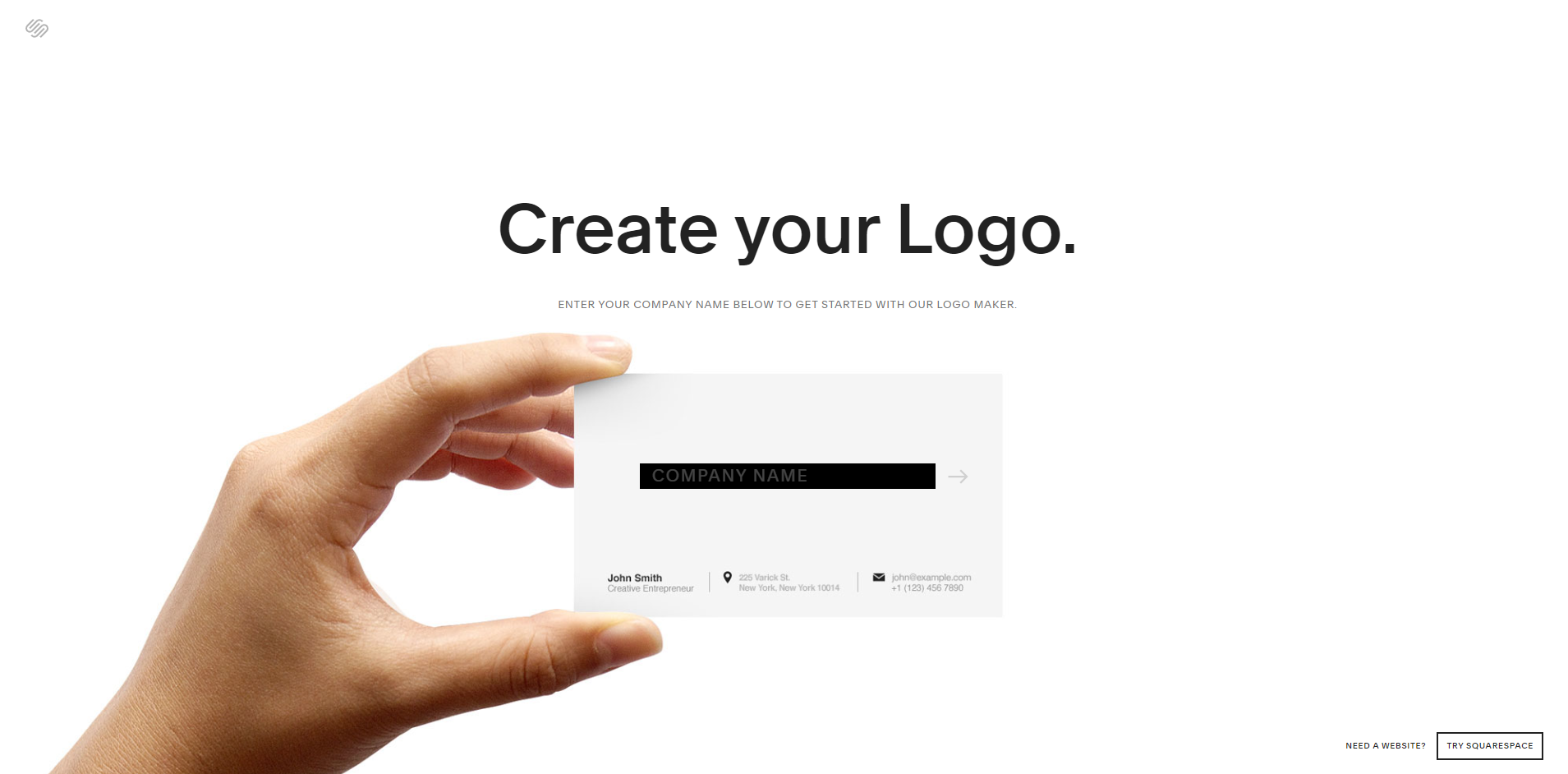
2. Squarespace
Elegant and artsy. If you’re a photographer, designer, or blogger looking for a polished and beautiful site, Squarespace is your best friend.
All the templates are stunning and responsive. It’s slightly less flexible than Wix, but a breeze to use.

3. Weebly
Simplest of the bunch. Owned by Square, Weebly is super easy and great for small business websites and online stores. It offers built-in e-commerce and decent mobile responsiveness.
If tech makes your head spin, Weebly keeps it stress-free.
4. Shopify
The king of e-commerce. If your main goal is to sell stuff online, head straight to Shopify. It’s not just a website builder—it’s an e-commerce powerhouse.
With its drag-and-drop editor, you can create professional online stores fast. It supports tons of payment methods, apps, and shipping tools.
5. Webflow
For design-savvy users. Webflow is a hybrid between DIY site builders and pro-level development tools. It’s perfect if you want full control without writing complex code.
The learning curve is a bit steep, but the results? Gorgeous and unique sites like nothing else.
6. Zyro
Fast and minimal. Powered by AI, Zyro helps you build modern and lightweight websites super quickly. It even generates content for you!
Perfect for portfolios and startups on the go.
7. GoDaddy Website Builder
Quick and effective. Known for domains, GoDaddy also has a handy drag-and-drop platform. It’s focused on speed, so you can launch a decent site in under an hour.
It integrates easily with marketing and SEO tools too.
8. Jimdo
AI-based simplicity. Jimdo builds your site in minutes using an AI guide. You answer a few questions, and boom—your site is live!
Best for those wanting a basic, good-looking site with zero hassle.
9. IONOS Website Builder
Secure and reliable. IONOS focuses on privacy and security. It also offers business email, analytics, and a powerful editor.
If you want simple tools plus rock-solid security, this one’s for you.
10. Elementor
For WordPress lovers. Elementor is a drag-and-drop page builder inside WordPress. It gives a live preview and amazing flexibility.
Use it to upgrade your existing WordPress site or build something spectacular from scratch.

11. Duda
Agency favorite. Duda is a pro-level site builder mainly used by designers and agencies. It’s fast, super customizable, and ideal for building clients’ sites at scale.
Even as an individual creator, you’ll find its features powerful.
12. Tilda
Focus on content. Tilda is great for long-form articles, landing pages, and storytelling-focused designs. Its drag-and-drop blocks help you keep things neat and appealing.
Writers and content creators—this one’s got your name on it.
13. Strikingly
One-page wonders. Perfect if you just want a quick, simple single-page website. Strikingly helps you get online fast with mobile-friendly templates and easy tools.
A great option for portfolios, personal sites, or launch announcements.
14. Bookmark
AI-powered building. Bookmark’s “AIDA” tool builds a site for you after asking a few questions. Then you can customize it using a sleek drag-and-drop interface.
Think fast and polished sites with minimal effort.
15. Site123
Back-to-basics simplicity. True to its name, Site123 gets you building in just 1-2-3 steps. The features are more basic, but it’s solid for small personal projects or landing pages.
If you need a website up TONIGHT, give it a spin.
How to Choose the Right Website Builder
Still not sure which one to pick? Here are a few tips:
- For full creative control: Try Wix or Webflow.
- For portfolios and content: Squarespace or Tilda might be your style.
- For selling stuff: Shopify, Weebly, or GoDaddy.
- For WordPress lovers: Elementor is your best bet.
- For pure simplicity: Site123, Jimdo, or Strikingly win hands down.
Final Thoughts
You don’t need to be a coding genius to make a killer website. With the right drag-and-drop tool, anyone can create, launch, and grow a beautiful online space.
Test out a few, trust your gut, and have fun with it. Your perfect website builder is just a few clicks away!